
Digital Colour Imaging Systems Operating Instructions
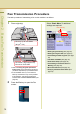
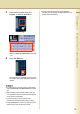
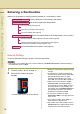
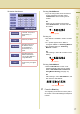
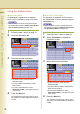
Table Of Contents
- Operating Instructions
- Conventions
- Table of Contents
- Getting To Know Your Machine
- Basic Fax Transmission
- Fax Transmission Procedure
- Entering a Destination
- Transmission with Destination Monitoring
- Talking to the Remote Party Before Transmission
- Setting Original Quality
- Setting the Original Size
- Transmitting 2-Sided Originals
- Verification Stamp
- Transmitting a Document Stored in Memory
- Job Build and SADF
- Direct Transmission
- Verifying Communication Status
- Rotated Transmission
- Batch Transmission
- Getting an Outside Line Using PIN Code Access
- Using Program Keys
- Cancelling a Communication
- Dial Prefix
- Convenient Fax Features
- Fax Reception
- Internet Fax
- What is Internet Fax?
- What Internet Fax Can Do
- Tips for Internet Fax
- Preparing to Use Internet Fax
- Sending an Email Procedure
- Entering an Email Address
- Using Cc, Bcc and From
- Setting a File Type and a File Name
- Emailing an A3-Sized Document
- Setting Message Delivery Notice (MDN)
- When Email Transmission Fails
- Using a Completion Notice
- Receiving an Email
- Receiving an Email on a Computer
- Inbound Routing
- Using the Relay Feature
- Relayed Transmission from Internet Fax
- Relayed Transmission from PC
- Result of Relayed Transmission
- Useful Terms to Remember
- Handling Communication Reservation Files
- Program Destinations/Program Keys
- Reading Reports/Lists
- Solving Problems
- Appendix
15
Chapter 2 Basic Fax Transmission
3
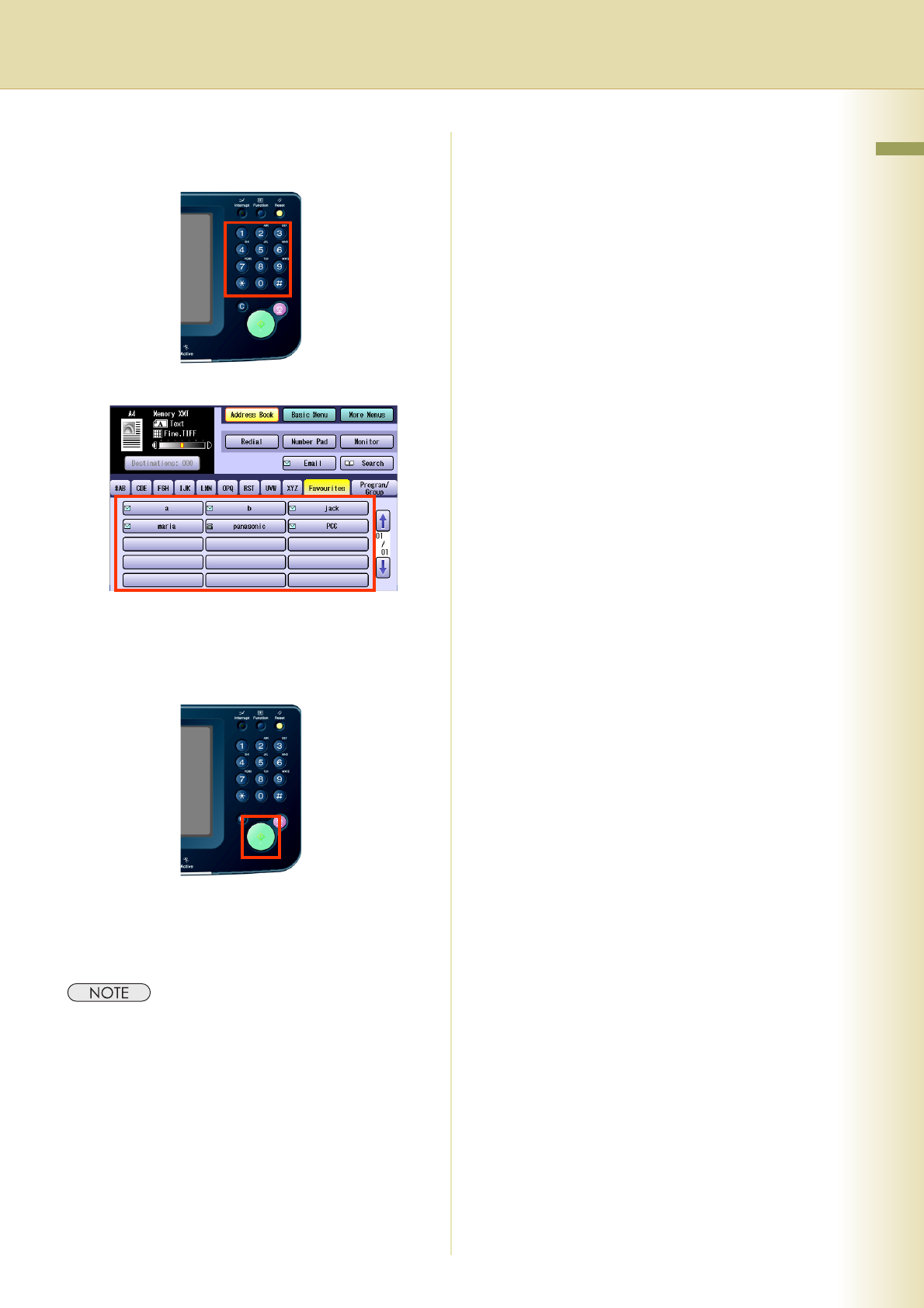
Enter the fax number using the
Keypad, or select a destination.
or
z Refer to Entering a Destination (see page
16).
4
Press the Start key.
The original(s) are stored into memory with a
file number. Then starts dialling the telephone
number.
z For instructions on how to cancel a transmission,
refer to Cancelling a Communication (see page
52).
z When sending from the Platen Glass, place the
next original and follow the instructions displayed
on the Touch Panel Display.
z A communication journal is printed if the
transmission fails (Ex: Remote station is busy).
z Press the Reset key to return the machine to the
initial screen of the current active mode.
z If the line is busy, the number is automatically
redialled. The call waiting message appears on the
display while auto-dialling.