
Printer/Fax/Scanner/Copier Operating Instruction



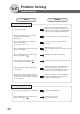
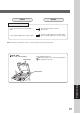
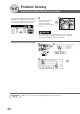

Table Of Contents
- Getting To Know Your Machine
- Before Starting
- Making Copies
- Function
- Accessories
- Network Scanner (Option)
- Problem Solving
- Others
- Specifications
- DP-3530/4530/6030 (Copier)
- i-ADF (Standard)
- System Console 1 (DA-DS603)
- System Console 2 (DA-DS604)
- 3000-Sheet Tray (LCT) (DA-MA301)
- Letter-R/Legal Size Adaptor for LCT (DA-TK31)
- 2-Bin Finisher (DA-FS600)
- 2-Bin Saddle-Stitch Finisher (DA-FS605)
- Punch Unit (DA-SP31)
- 2-Bin Finisher (DA-FS330)
- 1-Bin Saddle-Stitch Finisher (DA-FS355A)
- Punch Unit (DA-SP41)
- Options and Supplies
- INDEX
- Specifications
86
Problem Solving
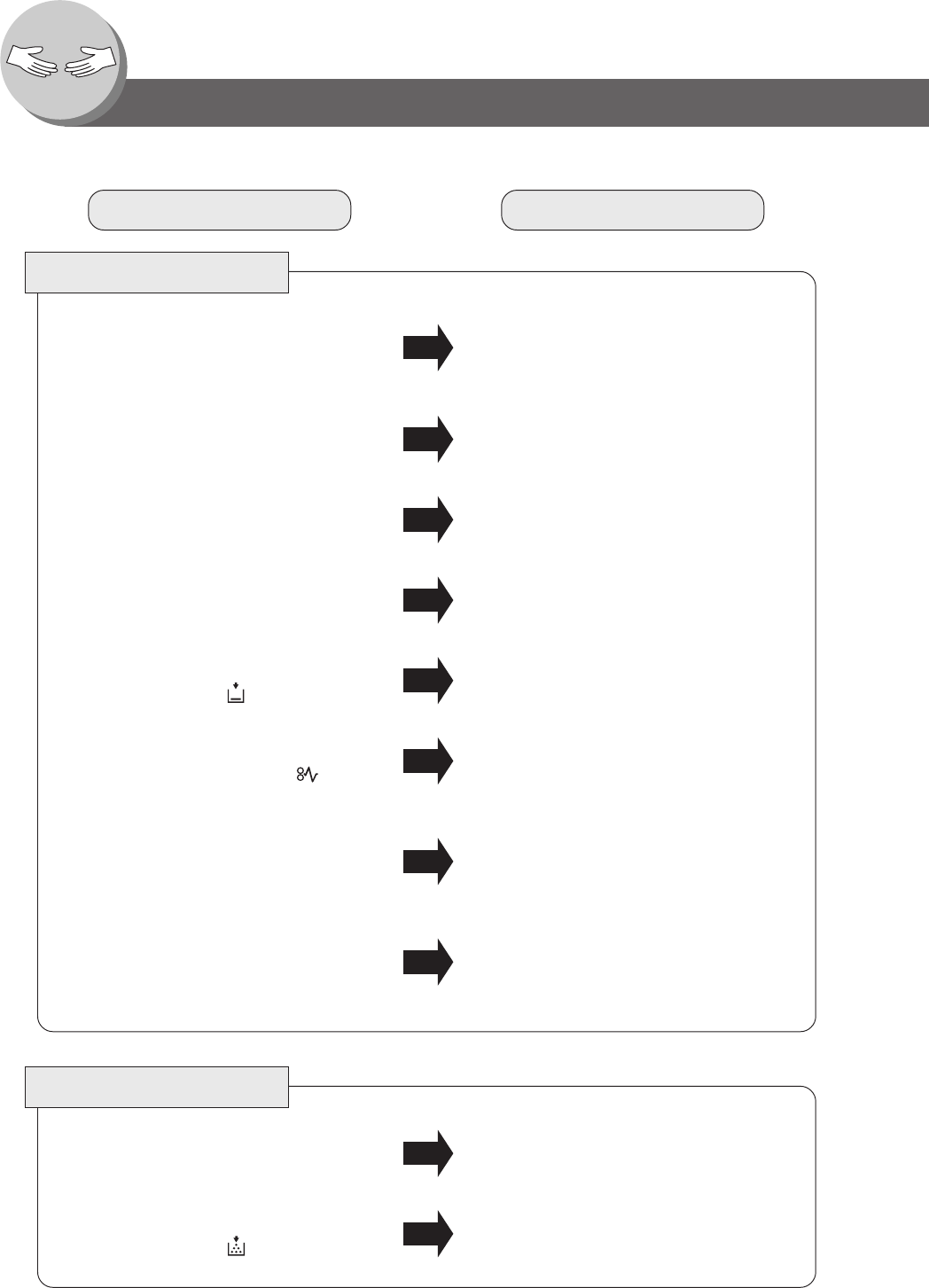
Troubleshooting
Check Action
Unit Does Not Operate
Check if the Power Switches (Main Power
Switch on the back and Power Switch on the
Left Side of the machine) are turned ON and if
the power cord is plugged into the AC outlet.
Does the display light?
Press Energy Saver key on the control panel.
Does the Energy Saver key flash (or light)
and displays are turned OFF?
(See page 62)
Perform actions in accordance with each
message.
Does any of the U## codes and messages
appear on the display?
(U1, U4, U6, U7, U11....etc.)
Add Staples (See pages 18-21)
Remove all jammed staples. (See pages 19 and
21)
Does the Add Staples indicator and message
appear on the display?
Add paper. (See pages 14, 16 and 17)
Does the Add Paper indicator and message
appear on the display? (
)
Remove the misfed paper. (See pages 20 - 29)
Does the paper misfeed indicator and
message appear on the display? (
)
Turn the Power Switch on the Left Side and
the Main Power Switch on the Back of the
machine to the OFF and ON. If the error code
does not clear, call your Service provider.
Does E#-## indicator and message appear
on the display?
Turn the Power Switch on the Left Side and
the Main Power Switch on the Back of the
machine to the OFF and ON.
The machine would not accept the next job
during operation, instructed job would not be
accepted for a long time period or job would
not be completed.
Light Copies
Touch the “DARKER” button.Does the exposure indicator say “LIGHTER”?
Replace the Toner Bottle.
(See pages 16 and 17)
Does the Add Toner indicator and message
appear on the display? (
)