
Printer/Fax/Scanner/Copier Operating Instruction
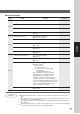
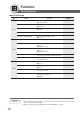
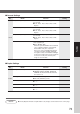
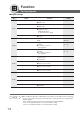


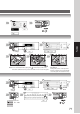
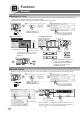
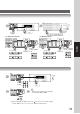
Table Of Contents
- Getting To Know Your Machine
- Before Starting
- Making Copies
- Function
- Accessories
- Network Scanner (Option)
- Problem Solving
- Others
- Specifications
- DP-3530/4530/6030 (Copier)
- i-ADF (Standard)
- System Console 1 (DA-DS603)
- System Console 2 (DA-DS604)
- 3000-Sheet Tray (LCT) (DA-MA301)
- Letter-R/Legal Size Adaptor for LCT (DA-TK31)
- 2-Bin Finisher (DA-FS600)
- 2-Bin Saddle-Stitch Finisher (DA-FS605)
- Punch Unit (DA-SP31)
- 2-Bin Finisher (DA-FS330)
- 1-Bin Saddle-Stitch Finisher (DA-FS355A)
- Punch Unit (DA-SP41)
- Options and Supplies
- INDEX
- Specifications
78
Function
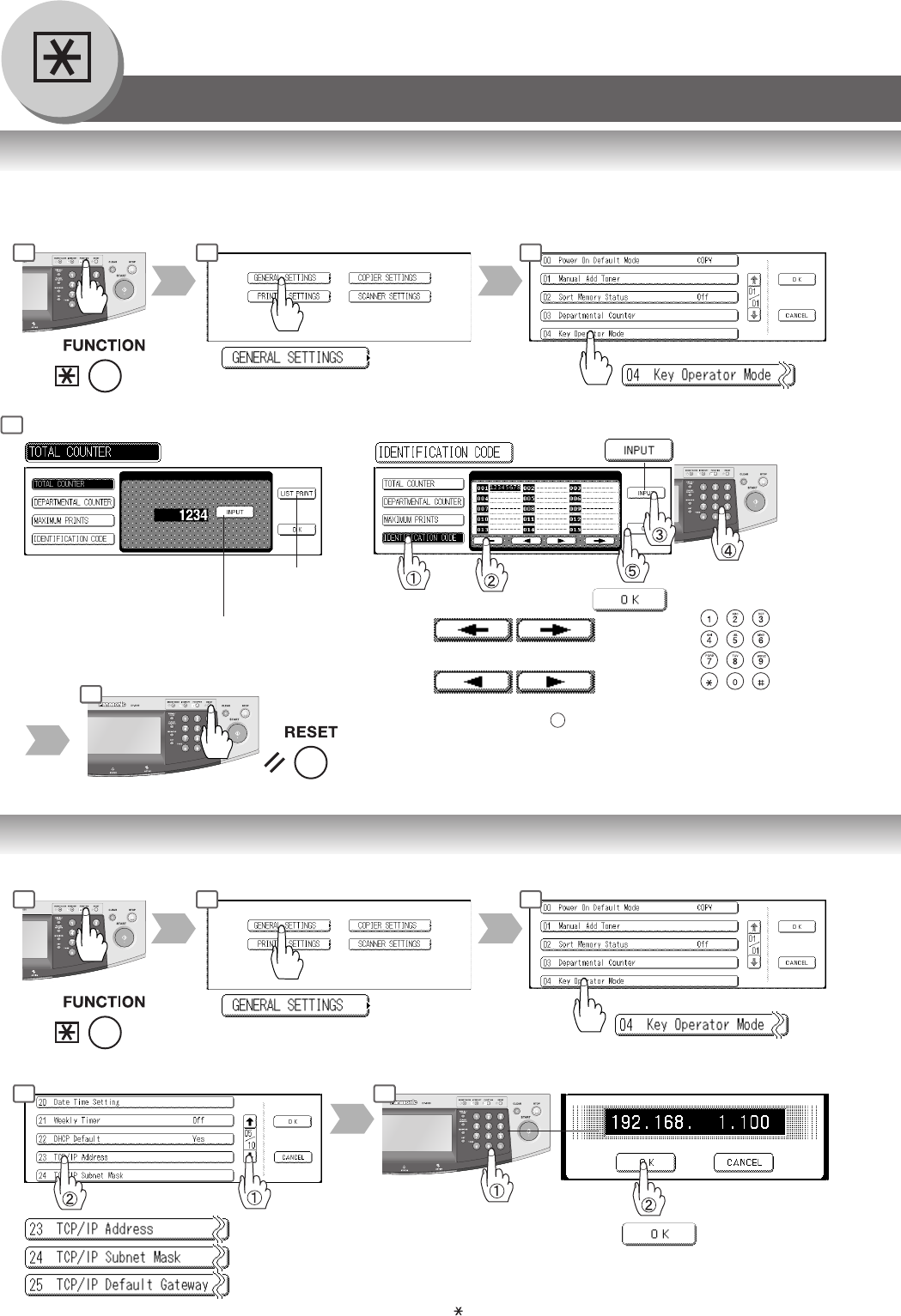
■ Department Counter
The Department Counter feature can limit the number of copies, administer counters and Identification Code numbers for
each department. (Maximum Number of Departments: 300)
Contact your authorized service provider to enable the Department Counter feature.
Displays the sum of all the
active department counters.
For Identification Code
Select Page
Select Department
ID Code
(8-digit)
■ Network Settings
When the Parameter “23 DHCP Default” is set to “No”, the Key Operator must administer the Network settings manually.
Scroll to 05/10
or
Scroll to 06/10
Input an IP Address
∗
Ex.: 192.168.1.100
When entering a 1 or 2-digit number segment, add “00” or “0” in
front of the number, to scroll to the next segment of numbers or
press the “ ” key to enter a period after the number.
Examples
For Total Counter
or
or
6
Input a Department Name (up to 25
characters) using the QWERTY
Keyboard and touch the OK button.
(See page 39, How to use the
QWERTY Keyboard)
Prints all the active
department counters.
1 2 3
6
7
1 2 3
5 6
To clear the total counter, touch the
INPUT button, enter 0 and touch the
OK button.