
Printer/Fax/Scanner/Copier Operating Instruction
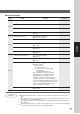
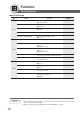
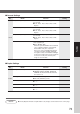
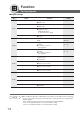


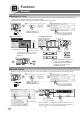
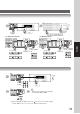
Table Of Contents
- Getting To Know Your Machine
- Before Starting
- Making Copies
- Function
- Accessories
- Network Scanner (Option)
- Problem Solving
- Others
- Specifications
- DP-3530/4530/6030 (Copier)
- i-ADF (Standard)
- System Console 1 (DA-DS603)
- System Console 2 (DA-DS604)
- 3000-Sheet Tray (LCT) (DA-MA301)
- Letter-R/Legal Size Adaptor for LCT (DA-TK31)
- 2-Bin Finisher (DA-FS600)
- 2-Bin Saddle-Stitch Finisher (DA-FS605)
- Punch Unit (DA-SP31)
- 2-Bin Finisher (DA-FS330)
- 1-Bin Saddle-Stitch Finisher (DA-FS355A)
- Punch Unit (DA-SP41)
- Options and Supplies
- INDEX
- Specifications
76
Function
Examples
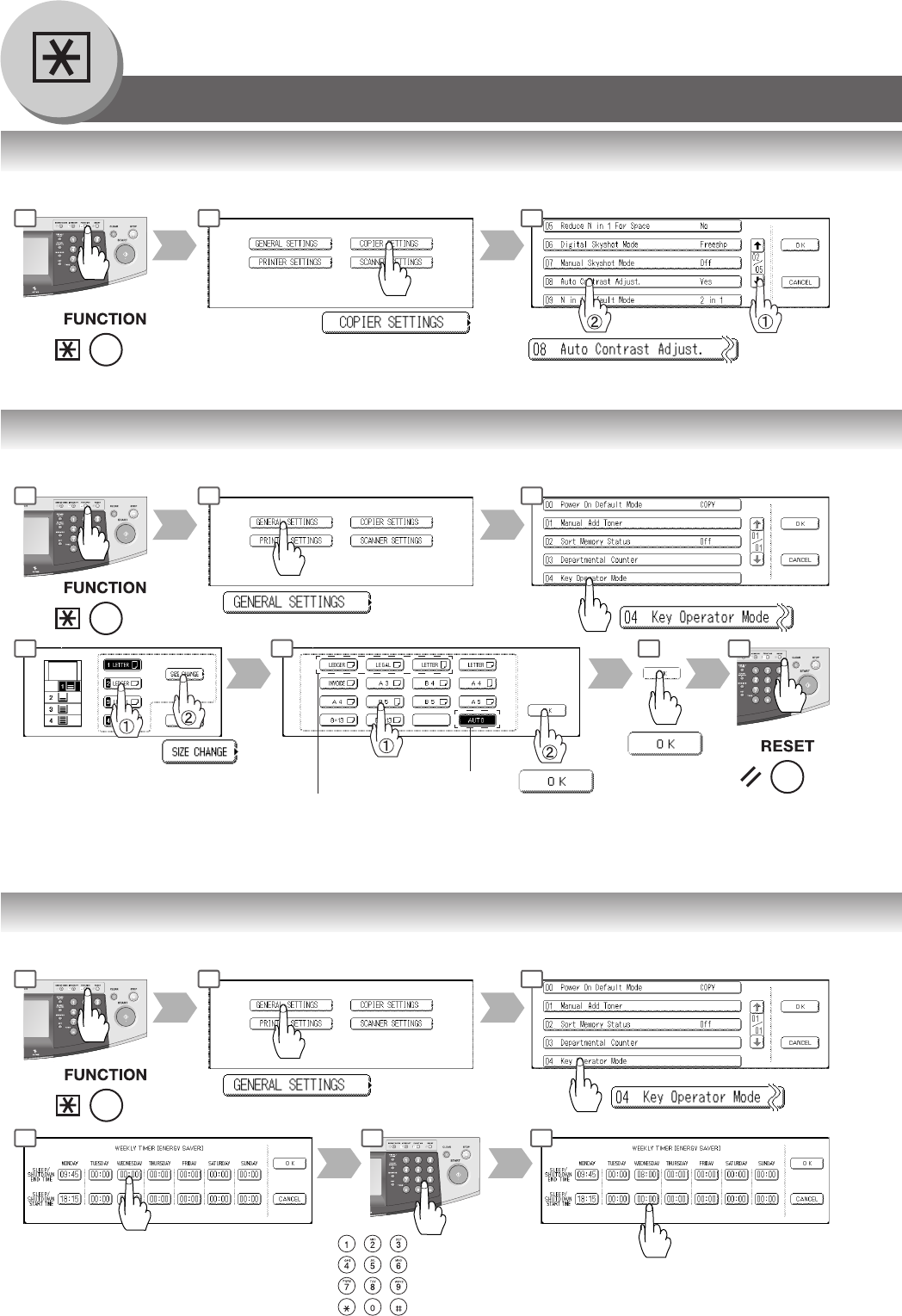
■ Changing the Auto Contrast Setting
You can select whether to automatically adjust the copying density for Text and Photo originals.
Scroll to
02/05
■ Changing the Paper Size
The Paper Trays are designed to accommodate Invoice, Letter, Letter-R, Legal and Ledger Size paper.
Paper Tray
Paper Size
■ Weekly Timer
Key Operator can administer the On/Off weekly timers.
End time
Input time
Ex.: 0800
Start time
1 2 3
6 7 8
1 2 3
6 7 8
1 2 3
9
Only 3 Paper Sizes (Letter, A4,
and B5) will be available when
selecting Tray 1.
Tray 2 only