
Printer/Fax/Scanner/Copier Operating Instruction

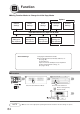
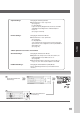

Table Of Contents
- Getting To Know Your Machine
- Before Starting
- Making Copies
- Function
- Accessories
- Network Scanner (Option)
- Problem Solving
- Others
- Specifications
- DP-3530/4530/6030 (Copier)
- i-ADF (Standard)
- System Console 1 (DA-DS603)
- System Console 2 (DA-DS604)
- 3000-Sheet Tray (LCT) (DA-MA301)
- Letter-R/Legal Size Adaptor for LCT (DA-TK31)
- 2-Bin Finisher (DA-FS600)
- 2-Bin Saddle-Stitch Finisher (DA-FS605)
- Punch Unit (DA-SP31)
- 2-Bin Finisher (DA-FS330)
- 1-Bin Saddle-Stitch Finisher (DA-FS355A)
- Punch Unit (DA-SP41)
- Options and Supplies
- INDEX
- Specifications
65
Function
Copier Settings: Changing the Initial Copy Modes
● Default function of each copy mode
(See page 67)
For Key Operator:
Paper size priority, Original mode, Contrast, Job Build
and SADF mode, Original size of Manual Skyshot
mode, etc.
(See pages 73 and 74)
Printer Settings: Changing the Initial Printer Modes
● Default function of each print mode
(See page 69)
For Key Operator:
Job completion time, Page protection, Error page print,
Spool function, PS configuration, Font list print, Mailbox
data holding, etc.
(See page 75)
<When Optional accessories are installed>
Scanner Settings: Changing the Initial Scanner Modes
● Original mode, Compression mode, Resolution, Job
Build and SADF mode, Address book, etc.
(See page 68)
● The Completion Notice will work for other modes (i.e.
Copy, etc.) even if the Scanner Option not installed.
Fax/Email Settings: Changing the Initial Fax/Email (i-FAX) Modes
Refer to Operating Instructions (For Fax/Internet Fax
function).
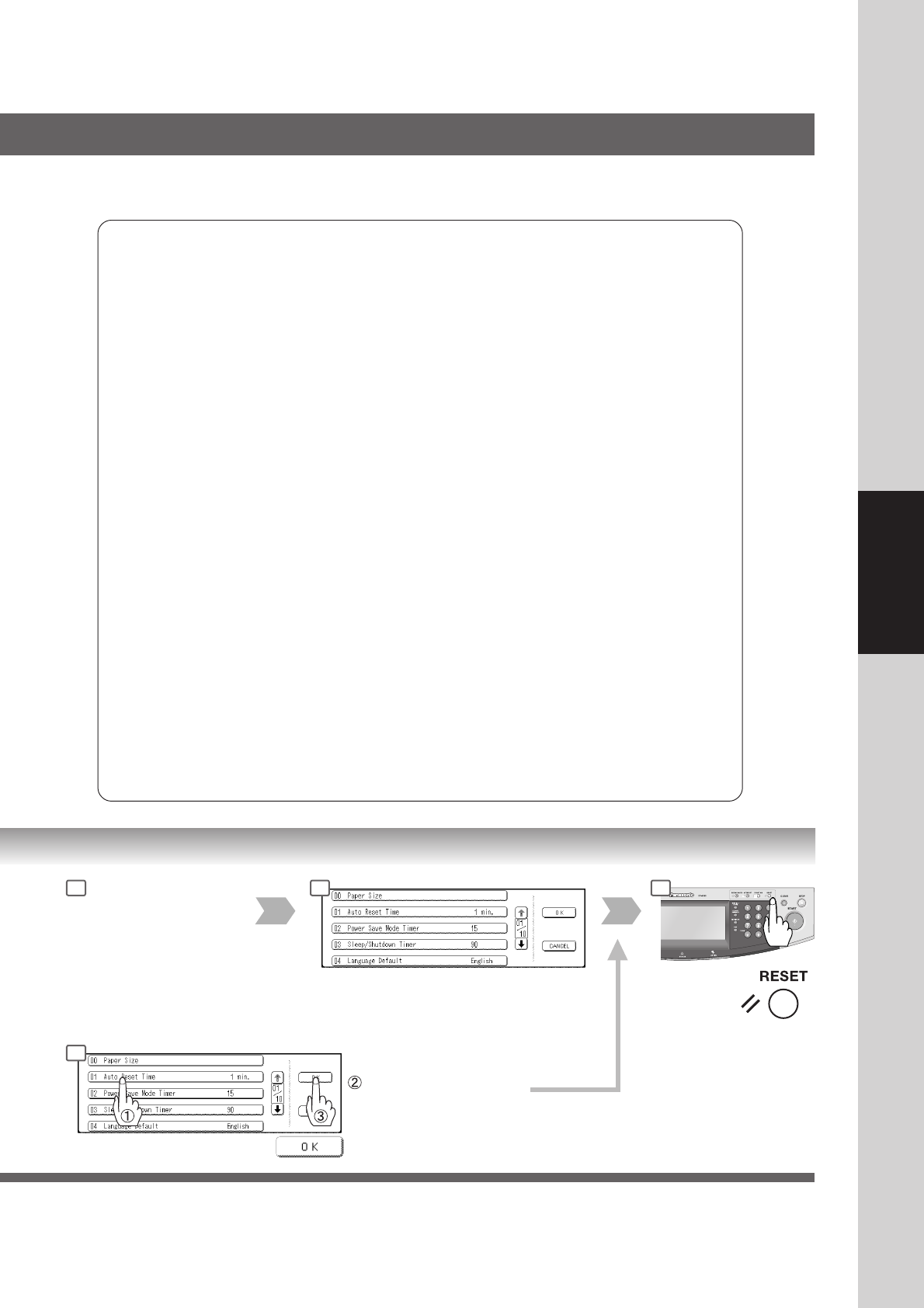
Set the desired Function
Parameter(s).
4 5 6
Set the desired Function
5
Set the desired Function
Parameter(s).