
Printer/Fax/Scanner/Copier Operating Instruction

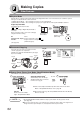
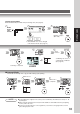
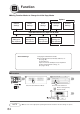
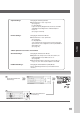

Table Of Contents
- Getting To Know Your Machine
- Before Starting
- Making Copies
- Function
- Accessories
- Network Scanner (Option)
- Problem Solving
- Others
- Specifications
- DP-3530/4530/6030 (Copier)
- i-ADF (Standard)
- System Console 1 (DA-DS603)
- System Console 2 (DA-DS604)
- 3000-Sheet Tray (LCT) (DA-MA301)
- Letter-R/Legal Size Adaptor for LCT (DA-TK31)
- 2-Bin Finisher (DA-FS600)
- 2-Bin Saddle-Stitch Finisher (DA-FS605)
- Punch Unit (DA-SP31)
- 2-Bin Finisher (DA-FS330)
- 1-Bin Saddle-Stitch Finisher (DA-FS355A)
- Punch Unit (DA-SP41)
- Options and Supplies
- INDEX
- Specifications
63
Making Copies
Scanning is completed
or
Select
Function
Job Waiting List can be
confirmed with Job Queue.
(See page 40)
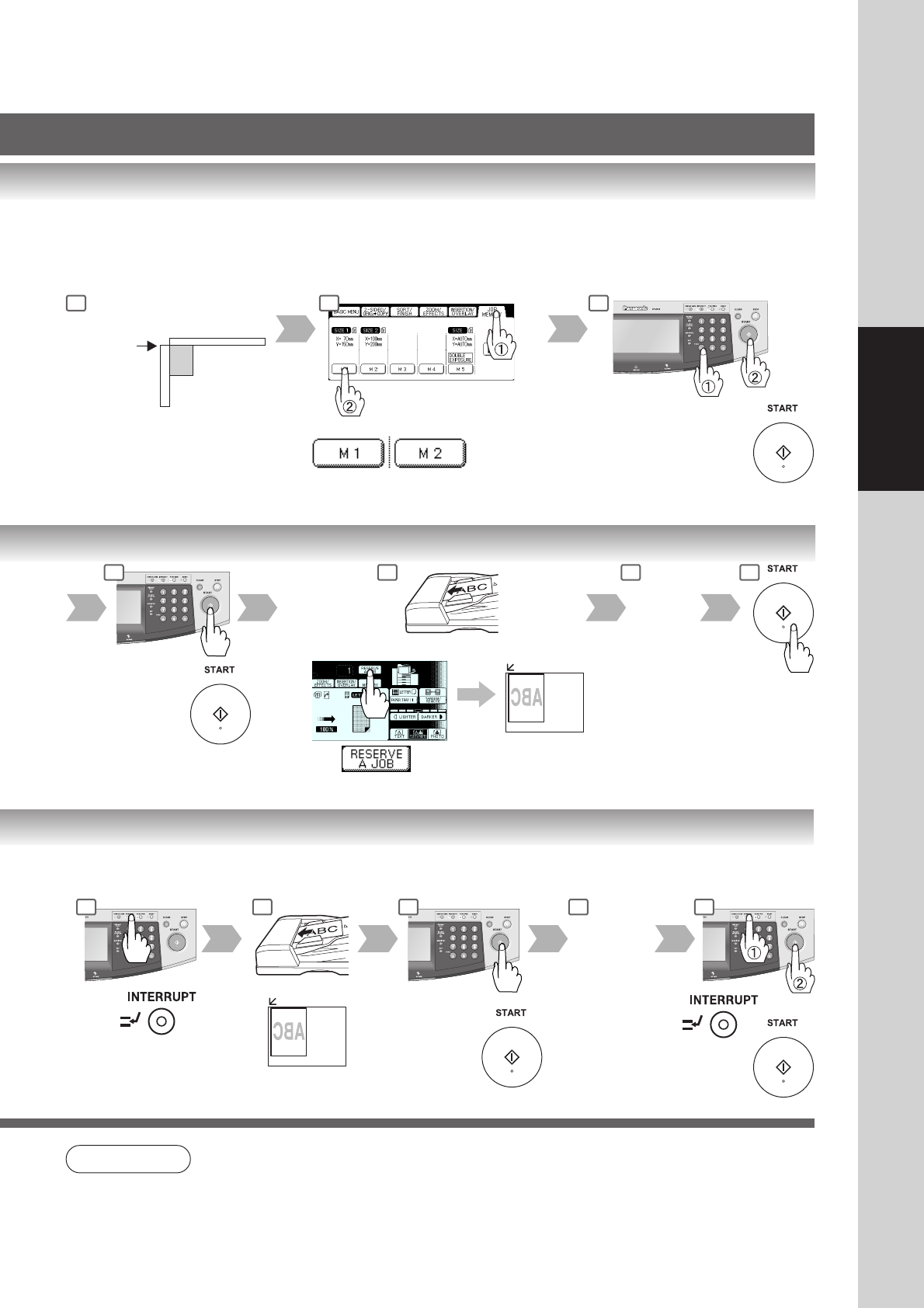
■ Interrupt Mode
This mode can interrupt other copy jobs while making copies/printing.
or
Other Job set
Other Job is
completed
Number of Copies
(Max. 999)
∗
Default M1/M2 size can be changed
in the Function mode. (See page 74)
Manual Skyshot Mode
● Set 07 Manual Skyshot Mode in Copier Settings first. (See page 67)
Platen
Upper-
Left
Corner
Custom size
∗
NOTE
● If using ADF, place originals in the center position of ADF Tray. The ADF can feed only 14 - 28
lb plain paper.
● When using the manual skyshot mode, the M1 and M2 are turned On and other job requiring
memory cannot be used.
● An incorrect position detection of the original may occur when a strong light shines onto the
glass during skyshot mode.
3 4 5 6
1 2 3 4 5
1 2 3