
Printer/Fax/Scanner/Copier Operating Instruction

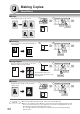
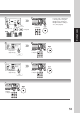
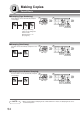

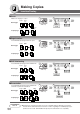


Table Of Contents
- Getting To Know Your Machine
- Before Starting
- Making Copies
- Function
- Accessories
- Network Scanner (Option)
- Problem Solving
- Others
- Specifications
- DP-3530/4530/6030 (Copier)
- i-ADF (Standard)
- System Console 1 (DA-DS603)
- System Console 2 (DA-DS604)
- 3000-Sheet Tray (LCT) (DA-MA301)
- Letter-R/Legal Size Adaptor for LCT (DA-TK31)
- 2-Bin Finisher (DA-FS600)
- 2-Bin Saddle-Stitch Finisher (DA-FS605)
- Punch Unit (DA-SP31)
- 2-Bin Finisher (DA-FS330)
- 1-Bin Saddle-Stitch Finisher (DA-FS355A)
- Punch Unit (DA-SP41)
- Options and Supplies
- INDEX
- Specifications
51
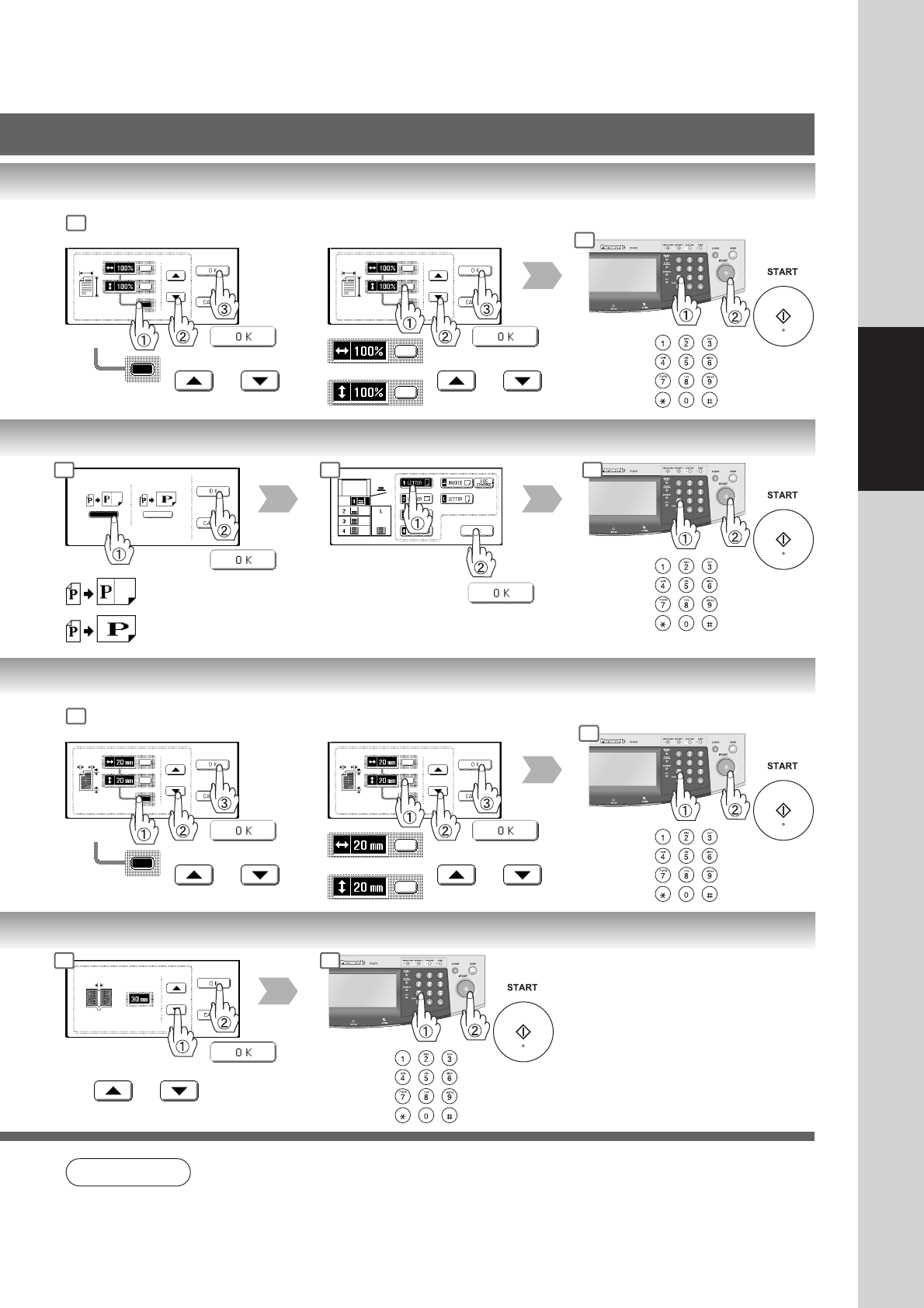
Making Copies
or
Same vertical and
horizontal ratio
25% - 400%
or
or Keypad
Different vertical and
horizontal ratio
25% - 400%
or
or Keypad
or
Number
of Copies
Number
of Copies
Fit to paper length or
width
Fit to paper length
and width
Paper Size
(Paper Tray)
or
Same vertical and
horizontal void value
5 - 99 mm
or
or Keypad
Different vertical and
horizontal void value
5 - 99 mm
or
or Keypad
or
Number
of Copies
Number
of Copies
5 - 99 mm
or
or Keypad
NOTE
● Zoom Ratio
If using the keypad to set the zoom ratio, press the CLEAR key first to reset the current zoom
ratio.
3
4
3 4 5
3
4
3 4