
Printer/Fax/Scanner/Copier Operating Instruction
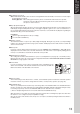
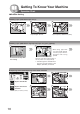
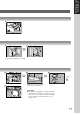
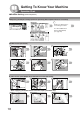
Table Of Contents
- Getting To Know Your Machine
- Before Starting
- Making Copies
- Function
- Accessories
- Network Scanner (Option)
- Problem Solving
- Others
- Specifications
- DP-3530/4530/6030 (Copier)
- i-ADF (Standard)
- System Console 1 (DA-DS603)
- System Console 2 (DA-DS604)
- 3000-Sheet Tray (LCT) (DA-MA301)
- Letter-R/Legal Size Adaptor for LCT (DA-TK31)
- 2-Bin Finisher (DA-FS600)
- 2-Bin Saddle-Stitch Finisher (DA-FS605)
- Punch Unit (DA-SP31)
- 2-Bin Finisher (DA-FS330)
- 1-Bin Saddle-Stitch Finisher (DA-FS355A)
- Punch Unit (DA-SP41)
- Options and Supplies
- INDEX
- Specifications
17
Getting To Know
Your Machine
2
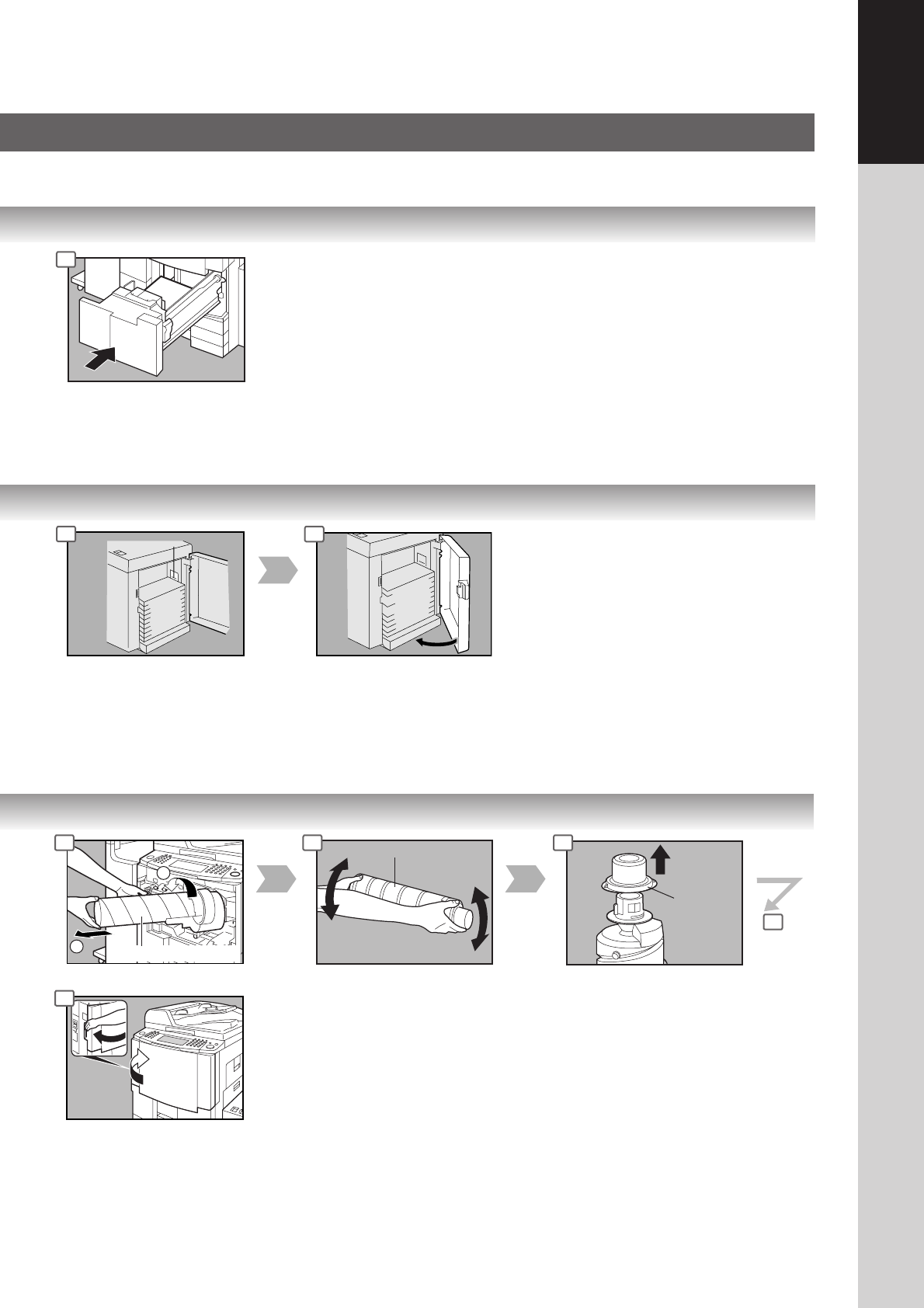
Empty Toner Bottle
1
New Toner Bottle
10 to 15 times
Cap
Overfill Indicator
Paper Capacity: 3000 Sheets (20 lb)
4
3 4
ATTENTION
● For optimum copy quality it is recommended that
only Panasonic Brand toner is used in the copier.
Store toner in a cool dark area with low humidity.
Do not unseal the toner bottle unless you are
ready to use it.
3 4 5
6
8
Shake the new Toner Bottle
well to loosen the contents.