
User manual



Wi-Fi
®
card by palmOne 25
CHAPTER 3 Using a VPN Account
0
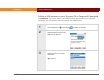
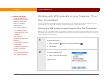
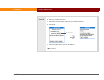
1 Go to Applications , select Prefs , and then select VPN.
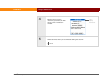
2 Select the VPN Account pick list, and then select your account.
3 Select Connect VPN.
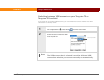
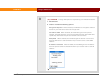
Check your VPN connection by drawing the Command stroke to
display the Command toolbar. Then verify that a lock icon appears in the Wi-Fi
signal strength indicator at the far right of the toolbar.
Continued
NOTE
Lock icon