
Use Instructions
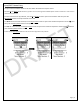
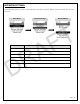

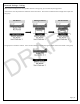

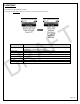
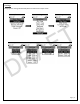

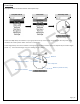
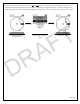
Table Of Contents

Page | 13
Before any pairing can begin, you must set the name of each device. Please follow the process in the Lynq PRO™ Name
Entry section for naming this device.
Network Settings
Enter Name
After the name has been set, select the number of devices to be paired. By default, this number is set to 2. Please note,
all devices in the group need to have the same number set for “Num Devices”. If not, the pairing will fail.
Number of Devices
Enter Number
DRAFT