- OKI Printer Users' Guide
Manuals
Brands
Oki Manuals
Printer
B930d
161
162
163
164
165
166
167
168
169
170
B930n User’s Guide> 160
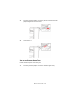
5.
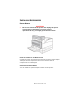
Open Door A.
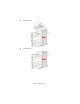
6.
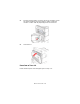
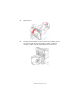
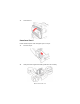
Pull the jammed paper out of the printer
. If necessary
, press
the green handle to mov
e the paper to make it easier
to
remove. Confirm that all paper fragments are remo
ved.
1
...
...
164
165
166
167
168
...
...
211