
9.0

6
Formatting
Dragon NaturallySpeaking User’s Guide
83
Aligning text
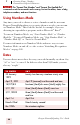
You can change how text is aligned by placing your insertion point in
the text and saying “Center That,” “Left Align That,” or “Right Align
That.”
To align text:
1 Move the insertion point to the text you want to align.
2 Say “Center That,” “Left Align That,” or “Right Align That.”
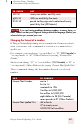
You can also use the following commands on selected text: “Format
That Centered,” “Format That Left Aligned,” and “Format That Right
Aligned.”
Bulleted text
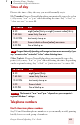
To add bullets to text, place your insertion point in the text and say
“Format that Bullet Style.” To remove bullets, say “Format that Bullet
Style” again.