
Electronics America Portable Projector User's Manual


Table Of Contents
- INDEX
- Front cover
- Important Information
- 1. Introduction
- 2. Installation and Connections
- 3. Projecting an Image (Basic Operation)
- 4. Convenient Features
- (1) Turning off the Image and Sound
- (2) Freezing a Picture
- (3) Enlarging a Picture
- (4) Changing Eco Mode
- (5) Checking Energy-Saving Effect [CARBON METER]
- (6) Preventing the Unauthorized Use of the Projector [SECURITY]
- (7) Using the Optional Remote Mouse Receiver (NP01MR)
- (8) Network Setting by Using an HTTP Browser (NP215 only)
- 5. Using On-Screen Menu
- 6. Maintenance
- 7. Appendix
78
7. Appendix
In the space below please describe your problem in detail.
Information on application and environment where your projector is used
Projector
Model number:
Serial No.:
Date of purchase:
Lamp operating time (hours):
Eco Mode: Off On
Information on input signal:
Horizontal synch frequency [ ] kHz
Vertical synch frequency [ ] Hz
Synch polarity H (+) (−)
V (+) (−)
Synch type Separate Composite
Sync on Green
STATUS Indicator:
Steady light Orange Green
Flashing light [ ] cycles
Remote control model number:
Signalcable
NEC standard or other manufacturer’s cable?
Model number: Length: inch/m
Distribution amplifier
Model number:
Switcher
Model number:
Adapter
Model number:
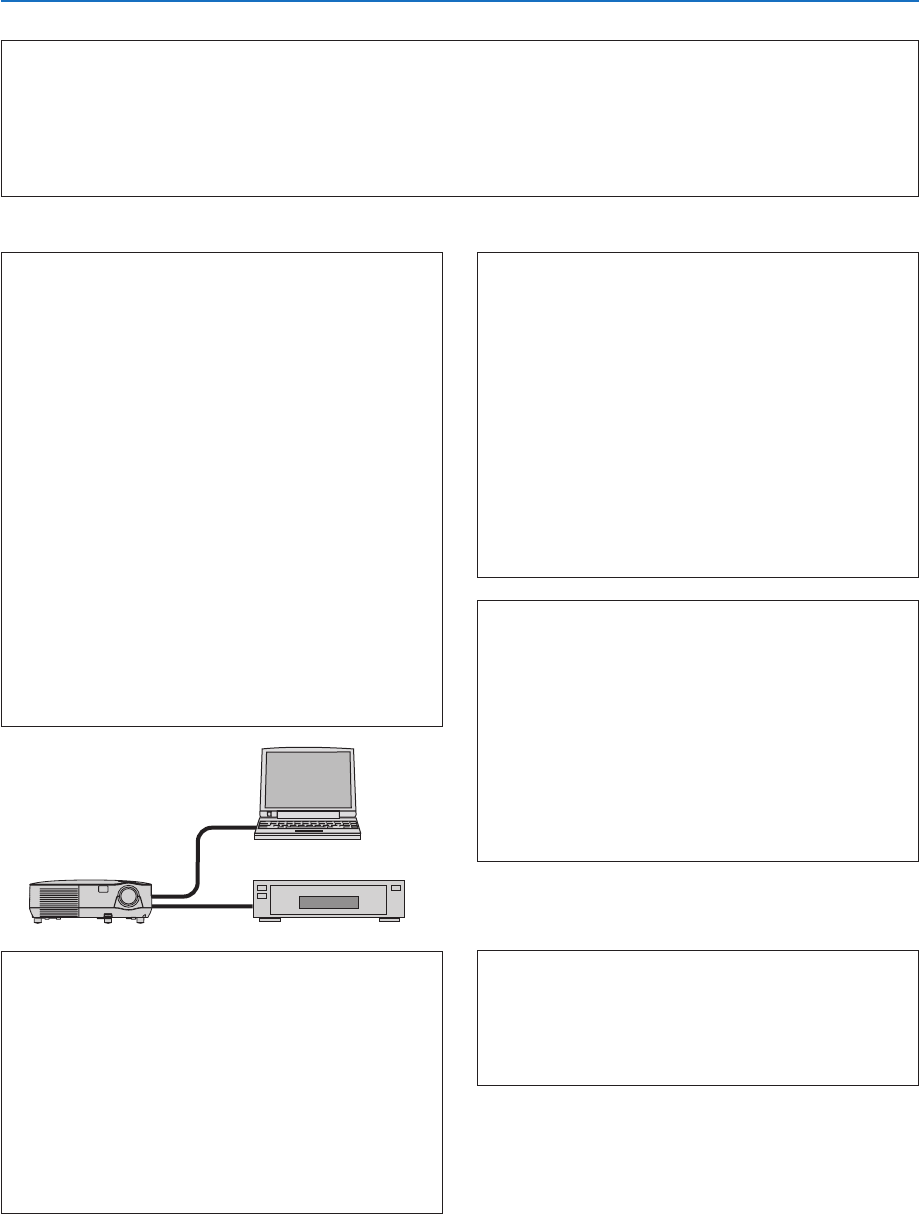
Projector
PC
DVD player
Installationenvironment
Screen size: inch
Screen type: White matte Beads Polarization
Wide angle High contrast
Throw distance: feet/inch/m
Orientation: Ceiling mount Desktop
Power outlet connection:
Connected directly to wall outlet
Connected to power cord extender or other (the
number of connected equipment______________)
Connected to a power cord reel or other (the number
of connected equipment______________)
Computer
Manufacturer:
Model number:
Notebook PC / Desktop
Native resolution:
Refresh rate:
Video adapter:
Other:
Videoequipment
VCR, DVD player, Video camera, Video game or other
Manufacturer:
Model number: