
User guide






Table Of Contents
- SAFETY PRECAUTIONS
- I. Unit & Remote Control Hardware
- II. Basic Operations
- III. Advanced Operations
- IV. Troubleshooting
- V. Technical Specifications
Troubleshooting
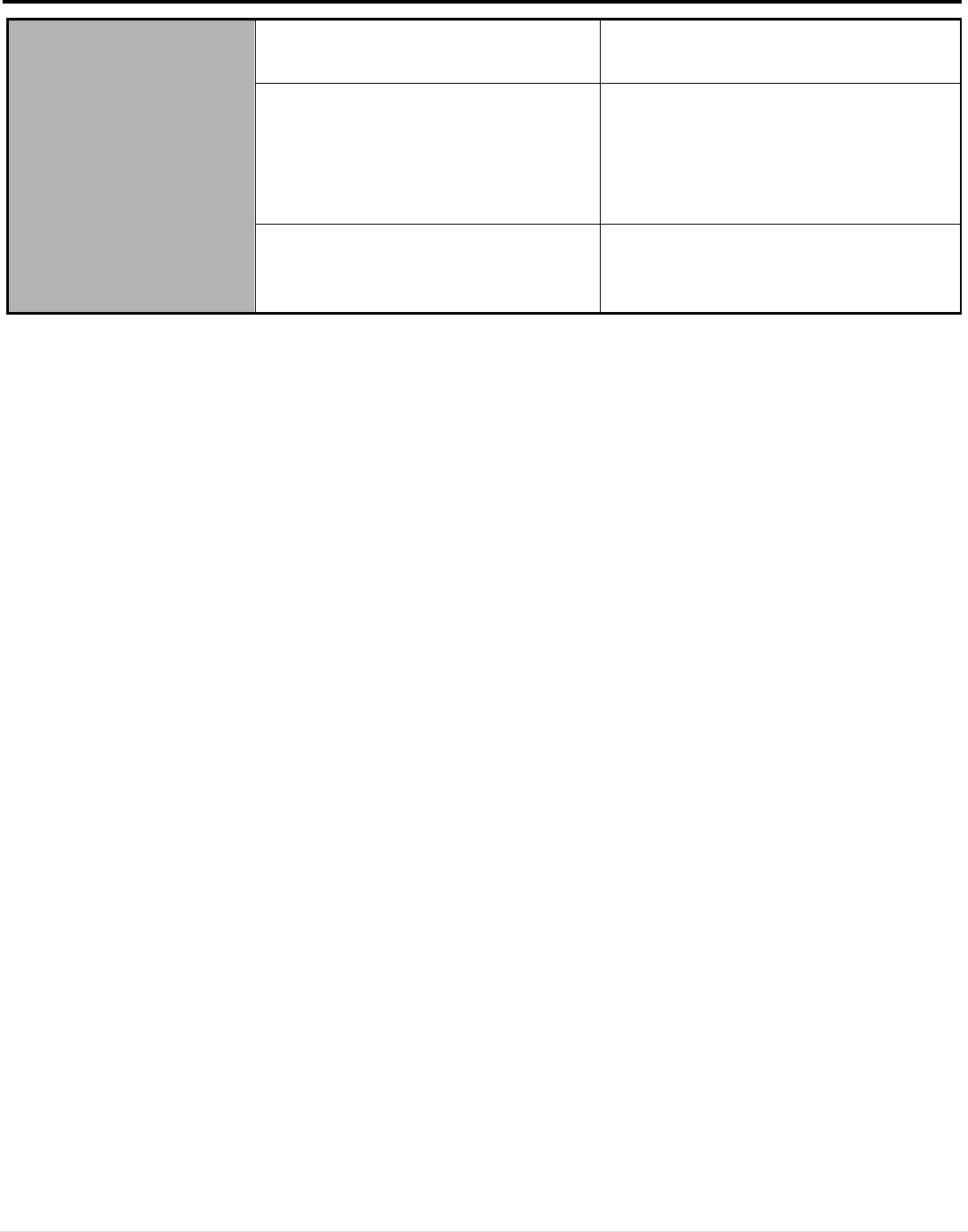
Recording does not work.
The smartcard is not inserted
properly.
Remove and insert the smartcard with
the chip side facing up.
No USB storage device is detected.
Open the Remove USB Device Safely
menu (under the Main Menu > Tools).
If the USB device is listed, select OK to
safely eject the device, unplug it from
the USB port, and plug it back it.
The USB storage device is full.
Delete media from the USB device via
the Media Player menu (PVR, Video,
Music, Image).
29 | Page