
User guide


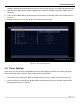


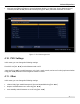

Table Of Contents
- SAFETY PRECAUTIONS
- I. Unit & Remote Control Hardware
- II. Basic Operations
- III. Advanced Operations
- IV. Troubleshooting
- V. Technical Specifications
Advanced Operations
5.3. Software Upgrade by OTA
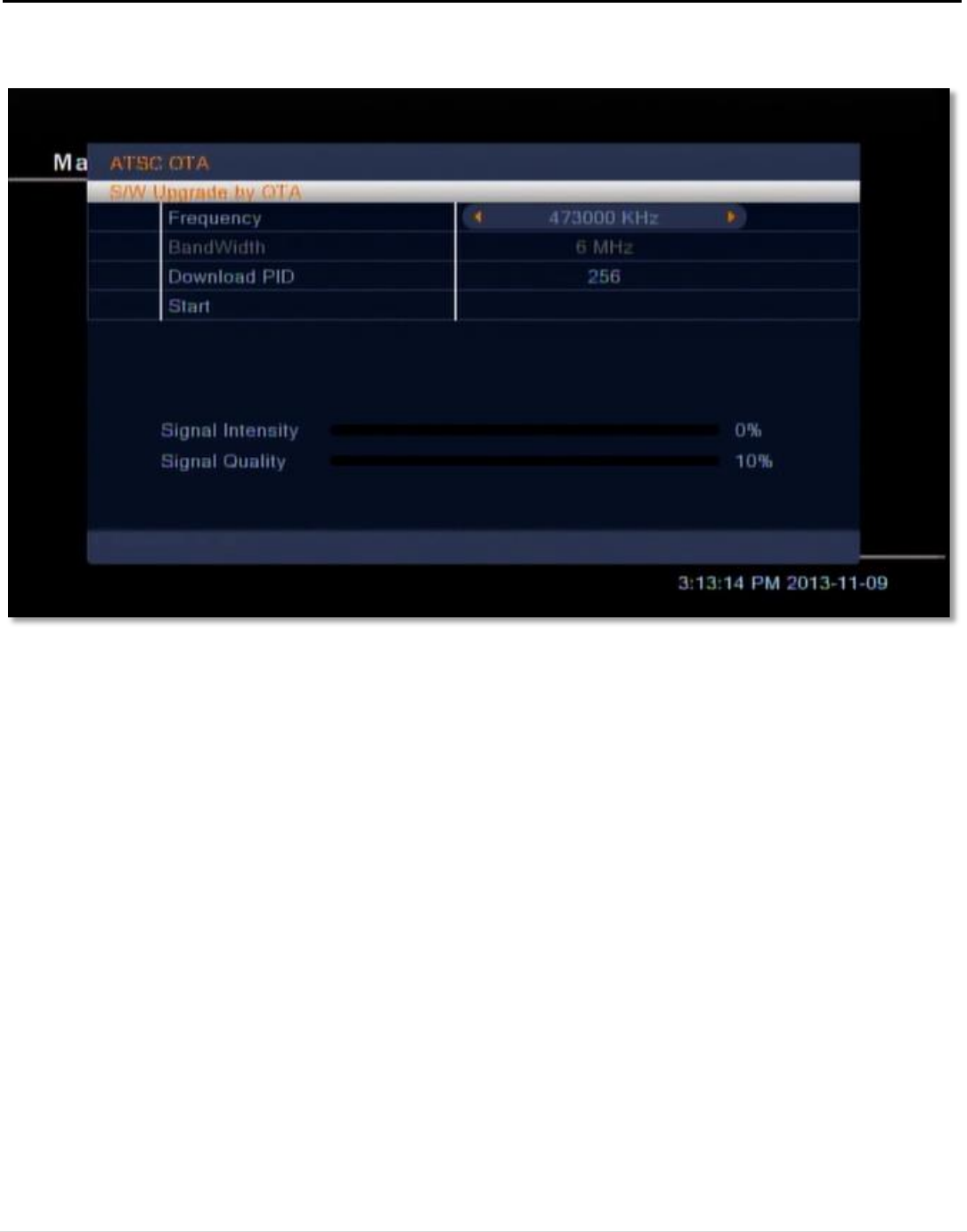
In this menu, you can upgrade your STB via ATSC over the air (OTA). To do so:
1. Select ATSC OTA with [OK]. This will open the ATSC OTA window.
2. Set the Frequency provided by the manufacturer using [VOL ◄/►] or the numeric keypad.
3. Set the Download PID provided by the manufacturer using [VOL ◄/►] or the numeric keypad.
4. Highlight to the Start option and select with [OK] to begin download.
5.4. Remove USB device safely
In this menu, can safely eject attached USB devices from the STB so they can be removed without the risk of
corrupting storage data.
To safely remove your USB device:
1. Select the partition of the device you would like to eject with [VOL ◄/►].
2. Select OK to eject the device. Select Cancel or press [MENU] or [BACK] to leave the menu without
ejecting the device.
3. Physically remove the USB device from the STB.
Figure 19: The Software Upgrade by OTA menu
26 | Page