
User guide




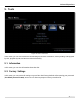

Table Of Contents
- SAFETY PRECAUTIONS
- I. Unit & Remote Control Hardware
- II. Basic Operations
- III. Advanced Operations
- IV. Troubleshooting
- V. Technical Specifications
Advanced Operations
5. Tools
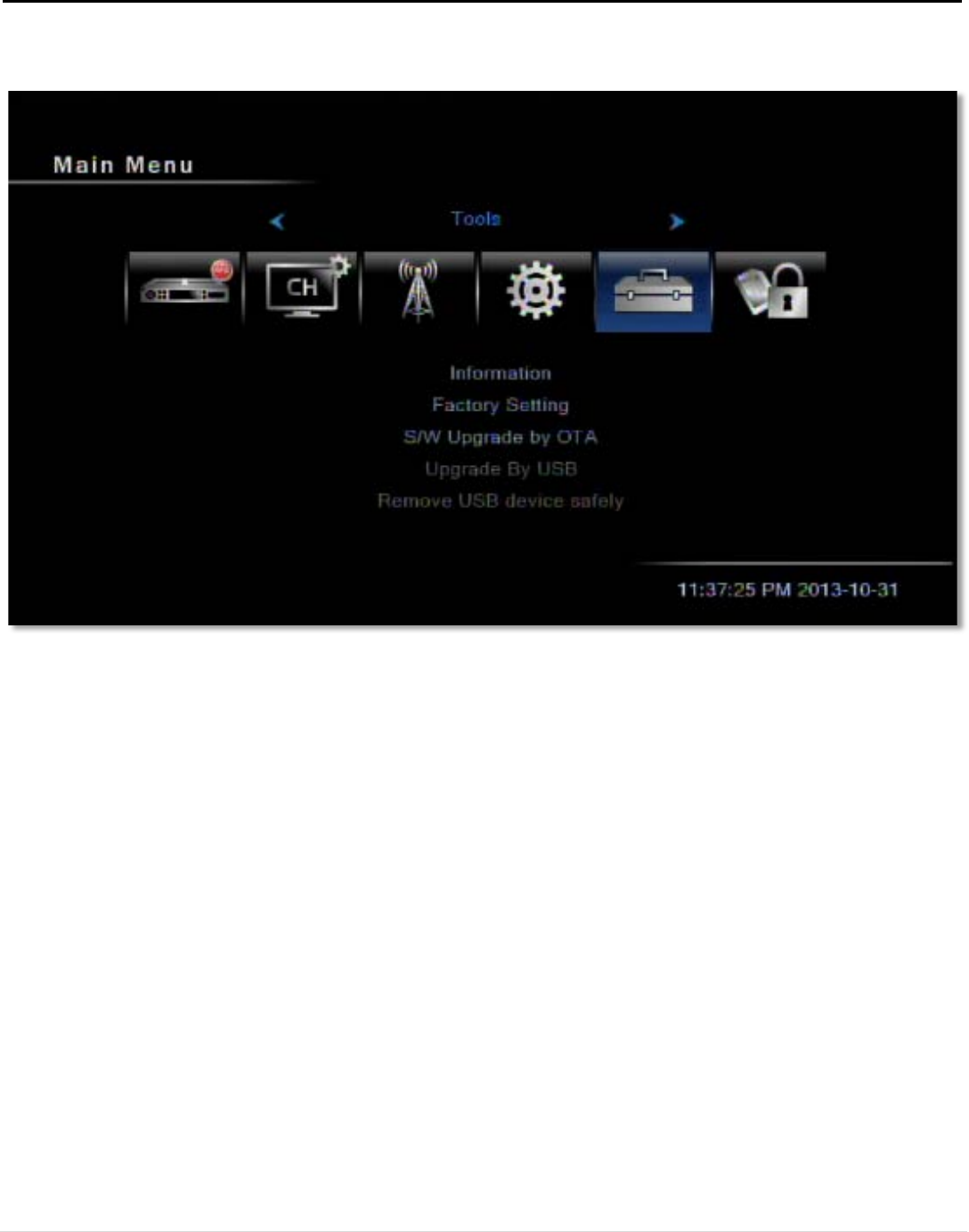
In this menu, you can choose between the following menu items: Information, Factory Setting, S/W Upgrade
by OTA, Upgrade By USB, and Remove USB Device Safely.
5.1. Information
In this menu, you can view information about the STB.
5.2. Factory Settings
In this menu, you can restore all settings on your STB to their factory defaults. After entering your password
(the default password is 0000), answer Yes for the next prompt to factory reset the STB.
Figure 18: The Tools menu
25 | Page