
User guide




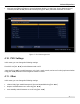

Table Of Contents
- SAFETY PRECAUTIONS
- I. Unit & Remote Control Hardware
- II. Basic Operations
- III. Advanced Operations
- IV. Troubleshooting
- V. Technical Specifications
Advanced Operations
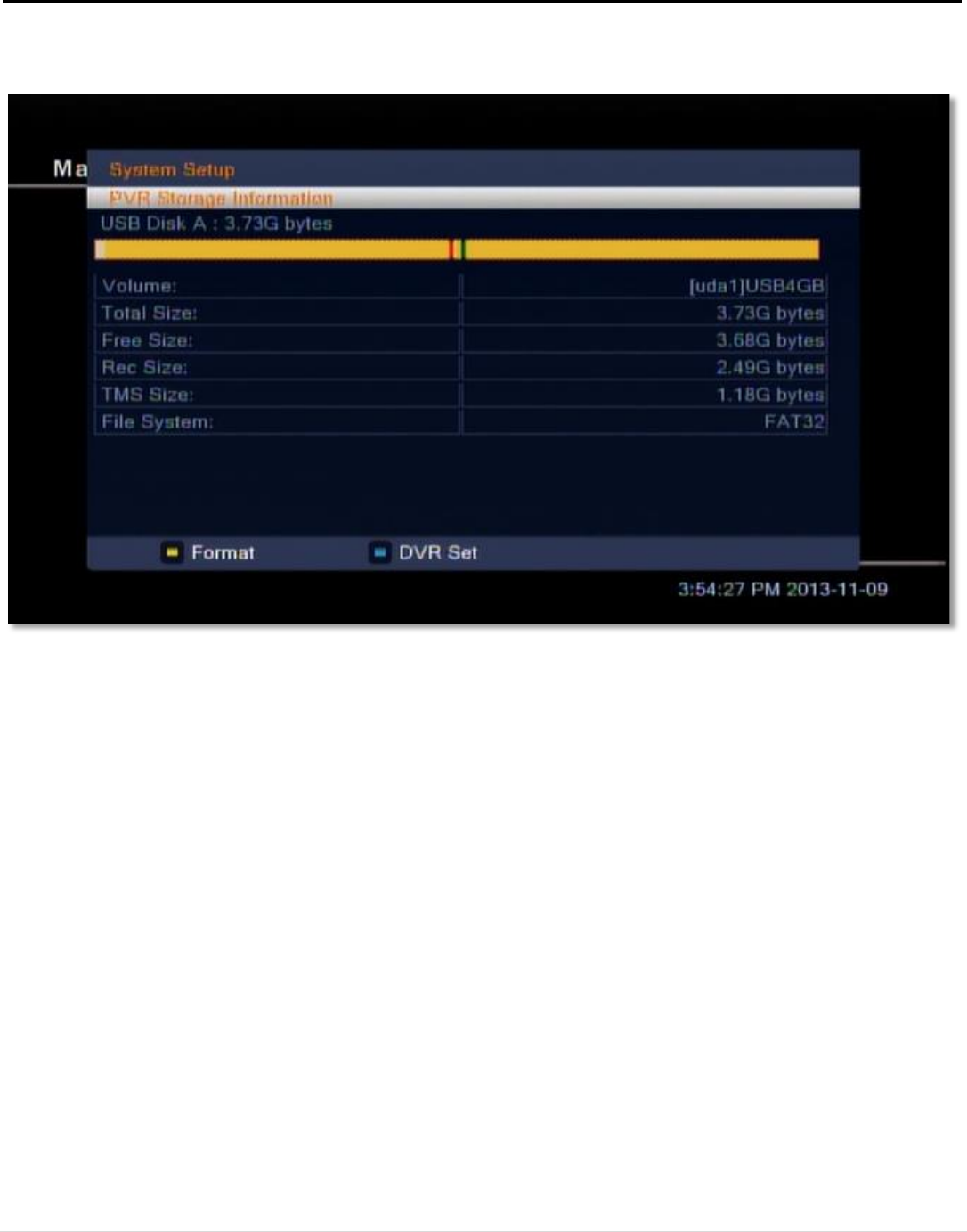
• DVR Set: press [Blue/CC] button to open the DVR Set window. For DVR Type, choose between Record,
Timeshift, and REC & TMS (Record & Timeshift) using [VOL ◄/►]. Select the OK button to confirm.
4.10. PVR Settings
In this menu, you can change the following settings:
Timeshift: Use [VOL ◄/►] to switch between ON or OFF.
Jump: Use [VOL ◄/►] to switch between 1 min, 5 min, 10 min, 30 min, and 30 sec for the jump interval when
using [VOL ◄/►] while the Video navigation window is visible.
4.11. Other
In this menu, you can change the following settings:
• Channel Play Type: Switch between All, Free and Scrambled using [VOL ◄/►].
• Beeper: Switch between On or Off using [VOL ◄/►].
• Auto Standby: Switch between On or Off using [VOL ◄/►].
Figure 17: The PVR Storage menu
24 | Page