
User guide


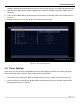


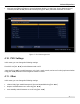

Table Of Contents
- SAFETY PRECAUTIONS
- I. Unit & Remote Control Hardware
- II. Basic Operations
- III. Advanced Operations
- IV. Troubleshooting
- V. Technical Specifications
Advanced Operations
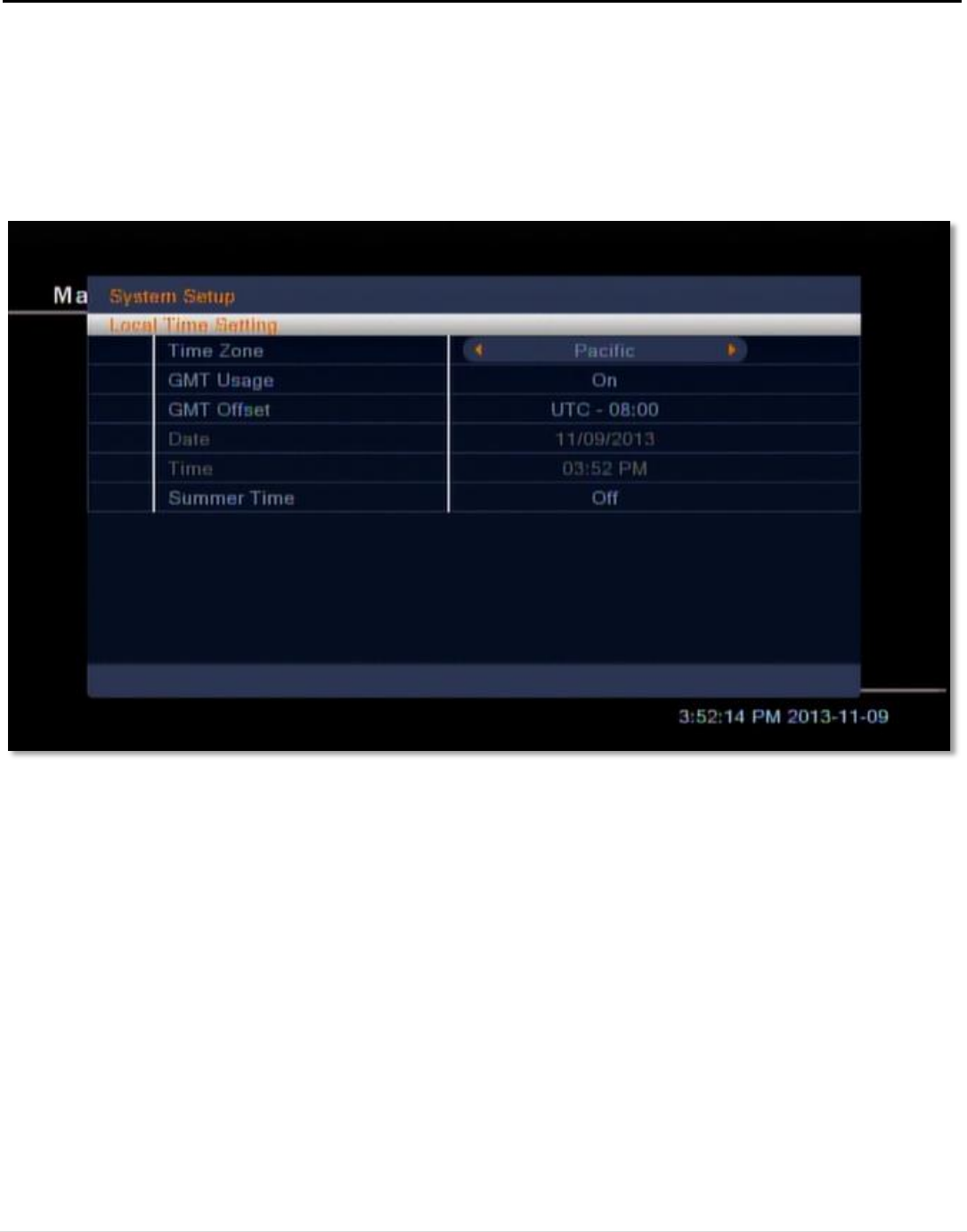
setting is determined automatically from the Time Zone setting, though it can still be adjusted manually.
4. Date: Use [VOL ◄/►] and the numeric keypad on the remote to manually set the date if GMT Usage is
set to Off.
5. Time: Use [VOL ◄/►] and the numeric keypad on the remote to manually set the time if GMT Usage is
set to Off.
6. Daylight Savings Time: Use [VOL ◄/►] to switch between On and Off.
4.5. Timer Settings
In this menu, you can set up to 8 independent timers for either playing a channel or recording a program.
Select a timer with [OK] to open the Timer Setting window for that timer.
1. Timer Mode: Choose with [VOL ◄/►] whether the timer runs Once or Daily, or switch the timer Off.
2. Timer Function: Choose with [VOL ◄/►] whether the STB will Switch to the specified Channel at the
Wakeup Date and Time, or Record it.
Figure 14: The Local Time menu
20 | Page