
User guide





Table Of Contents
- SAFETY PRECAUTIONS
- I. Unit & Remote Control Hardware
- II. Basic Operations
- III. Advanced Operations
- IV. Troubleshooting
- V. Technical Specifications
Advanced Operations
• Scan Mode: Use [VOL ◄/►] to choose between the following scan methods:
o By Channel: This option will allow you to edit the Channel No. option in this menu. Once you’ve
highlighted the Channel No. option, use [VOL ◄/►] to cycle through the each channel detected by
the STB.
o This option will allow you to edit the Frequency option in this menu. Once you’ve highlighted the
Channel No. option, use [VOL ◄/►] to cycle through frequencies in 1 KHz increments.
Highlight Search and select with [OK] to begin scanning.
3.2. ATSC Auto Scan
Refer to the information in II. Basic Operations under 2. Adding Channels to Your STB on how to operate this
menu.
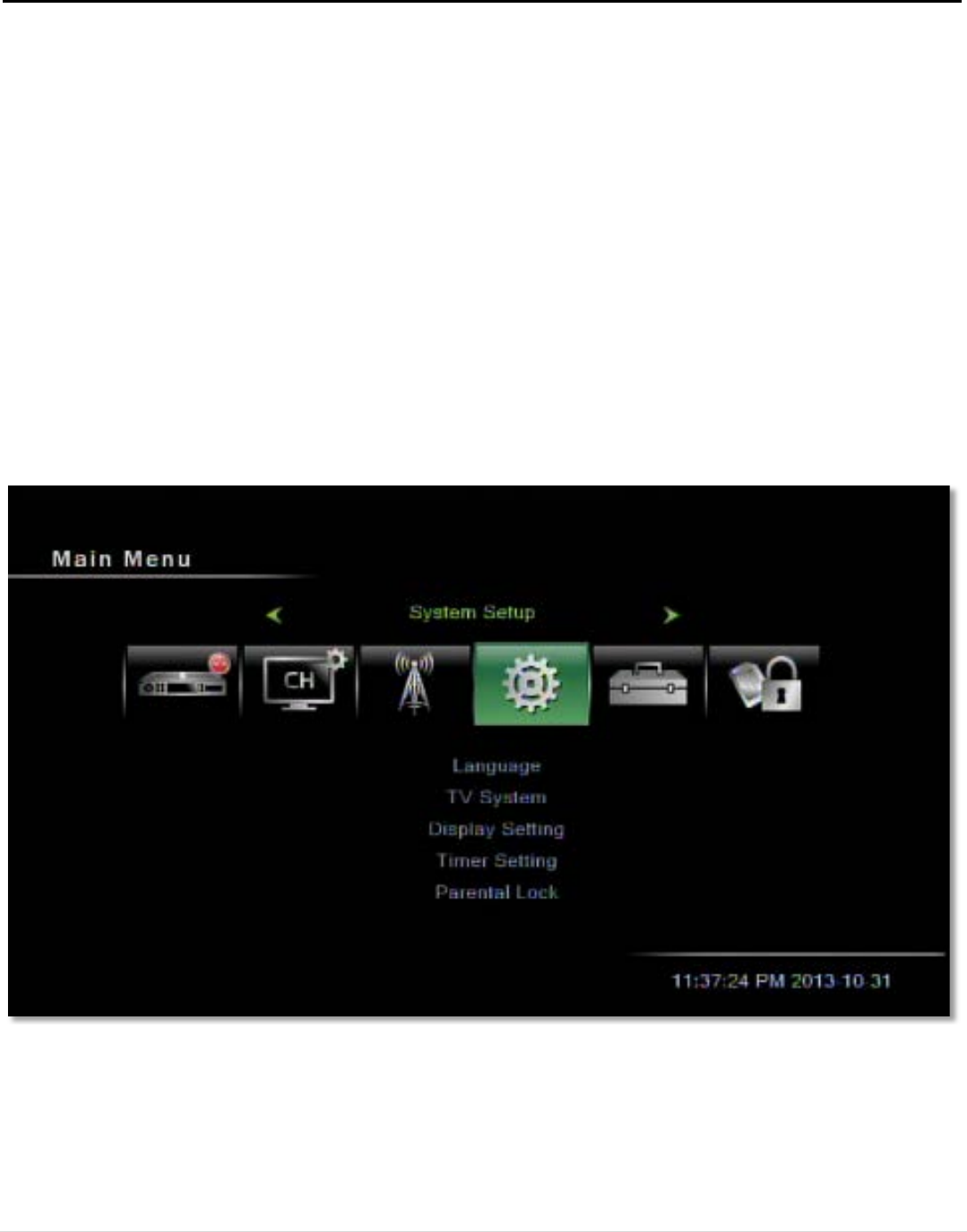
4. System Setup
In this menu, you can choose between the following menu items: Language, TV System, Timer Setting, OSD
Setting, Parental Lock, Power Setting, TCP/IP Setting and MAC Setting.
Figure 13: The System Setup menu
18 | Page