
User`s manual





CP-134U Series User’s Manual Software Installation
3-30
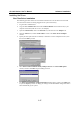
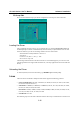
2. Click on MOXA Smartio/Industio Family Adapter from the Network Adapters list to
highlight it, and then click on Properties to open the MOXA Smartio/Industio
Configuration Panel window to change port settings and advanced FIFO configuration
items.
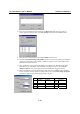
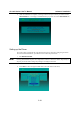
3. Click on Property from the the MOXA Smartio/Industio Configuration Panel to open the
Property window.
4. Next, refer to the instructions given in the previous section, “First Time Driver Installation”
from the “Windows NT” section.
Configuring Another CP-168U Board