
User`s manual



CP-134U Series User’s Manual Software Installation
3-18
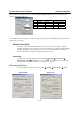
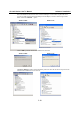
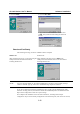
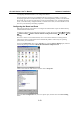
Select the Hardware tab, and then click on Device Manager. Use the mouse to place the cursor
over the CP-168U Series board under Multiport serial adapters, and then click the right mouse
button. Select the Uninstall… option.
Windows 2000 Windows XP
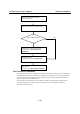
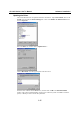
Click on OK to proceed with the un-installation of the board.
Windows 2000 Windows XP
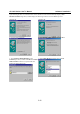
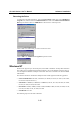
The Device Manager window will automatically refresh to show that the driver and ports for the
CP-168U Series board have been removed.