
User`s manual



CP-134U Series User’s Manual Software Installation
3-14
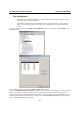
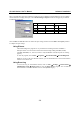
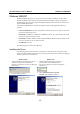
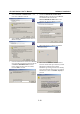
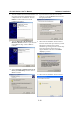
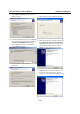
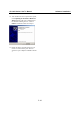
14. After all files have been copied to the system,
the Completing the Found New Hardware
Wizard window will open to indicate that it
has finished installing “Port 0.” Click on
Finish to install the board’s second port.
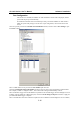
15. Repeat the above procedure (Steps 9 to 14)
for the rest of the board’s ports. The last
window to open completes installation of Port
7.