
User`s manual


CP-134U Series User’s Manual Software Installation
3-6
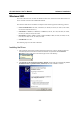
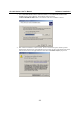
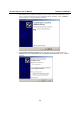
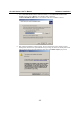
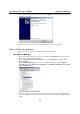
9. Wait while the port driver is being installed. Click on Finish to continue with the rest of the
installation procedures.
10. Repeat steps 6 to 9, until the port driver installation for every port is completed.
How to Check the Installation
There are three ways to check the installation of CP-168U Series boards.
Using Device Manager
1. Use your mouse to position the cursor over your desktop’s My computer icon, click the right
mouse button, and then select Properties.
2. When the System Properties window opens, click on the Hardware tab, and then click on
Device Manager.
3. When the Device Manager window opens, you will be able to see the model of MOXA
CP-168U Series under Multi-port serial adapters, and MOXA communication ports under
Ports (COM & LPT).
4. If there are any special marks, such as a question mark or an exclamation mark in front of the
icons, the installation of the board or the ports was not successful. Examine the Event Log for
details.