
Specifications

88
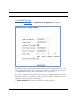
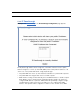
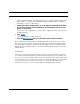
2. Select a PC to host the software from the Select Host Device pull-down
menu and click
Enable.
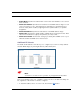
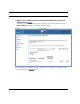
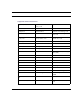
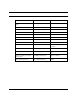
Each time you enable a software service or game your entry will be added to the list of
Service Names displayed on the NAT Configuration page.
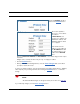
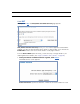
To remove a game or software from the hosted list, choose the game or software you want
to remove and click the Disab
le button.