
Specifications


77
Links Bar
Links Bar
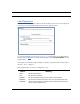
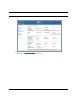
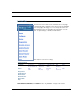
The Links Bar is the frame at the left-hand side of the page
containing the major navigation links. These links are available
from every page, allowing you to move freely about the site.
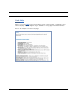
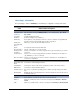
The headings in the following table are hyperlinks. You can
click on any heading to read about that feature.
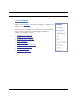
This chapter covers the following:
Note: Ethernet, Wireless, and USB links are only available on supported models.
Advanced Setup
Configure Connection DHCP Server IP Passthrough NAT IPSec
Router Password Time Zone VLAN Wireless
Status DSL ATM Ethernet IP LAN
USB Wireless Logs User List
Diagnostics
Update Router
Reset Router
Restart Router
Basic Mode
Help