
Specifications



119
Links Bar
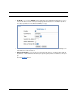
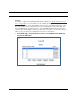
2. Check the Enable checkbox, and in the VLAN Name box, enter the name you would
like.
For example, call it Network A.
Since this VLAN will be for SSID1 and the Ethernet ports, leave Admin Restricted
unchecked. This will give this VLAN access to the Gateway.
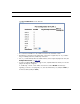
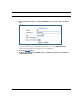
3. Click the Submit button.
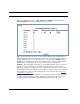
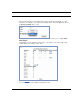
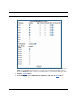
4. In the Port Configuration for VLAN:1 page, you add the Port Interfaces you want asso-
ciated with the VLAN.