User's Guide
Manuals
Brands
Microsoft Manuals
Cell Phones
GSM cellular phone w/BT
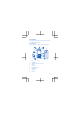
1
2
3
4
5
6
7
8
9
10
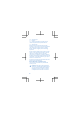
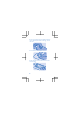
2.
Place your fingers
at the top middle of the back
cover, and with y
our th
umb on the logo, remove
the cover.
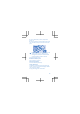
3.
If the ba
ttery is in th
e phone, lift i
t out.
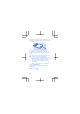
4.
Slide the SIM into the holder with the
contact
area face down.
8
1
...
...
6
7
8
9
10
...
...
30