
User's Guide
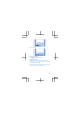
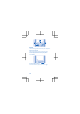
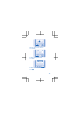
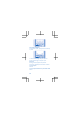





To keep in touch with your friends and family, sign
in to your instant messaging, sharing, and social
networking services. Select Menu and the service
you want to use. The available services may vary.
Internet
Learn how to browse the web.
Browse the web
Catch up on the news, and visit your favourite
websites on the go.
1. Select Menu > Internet.
2. Select the address bar.
3. Write a web address, and select OK.
Tip: To search the internet, write a search
word in the address bar. You can also use the
available links.
Using services or downloading content may cause
the transfer of large amounts of data, which may
result in data costs.
Camera
Why carry a separate camera if your phone has all
you need for capturing memories? With your
phone camera, you can easily take photos or
record videos.
Take a photo
Capture the best moments with your phone
camera.
18