
User's Guide




Send and receive messages
Keep in touch with your friends and family
through text messages.
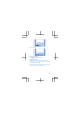
1. Select Menu > Messaging.
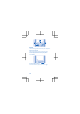
2. Select Create message.
3. Type in a phone number, or select a recipient
from your contacts list.
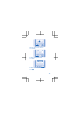
4. Write your message.
Tip: To insert special characters, such as a
smiley or symbol, select Options > Insert
options.
5. Select Send.
You can send text messages that are longer than
the character limit for a single message. Longer
messages are sent as two or more messages.
Your service provider may charge accordingly.
Characters with accents, other marks, or some
language options, take more space, and limit the
number of characters that can be sent in a single
message.
Read a message
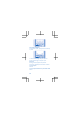
On the home screen, select Read. To read the rest
of the message, select Open.
Get social
Want to connect and share stuff with the people
in your life? With social apps, you can stay up to
date with what's happening with your friends.
17