
User's Guide




Get started
Before you start using your phone, remove the
back cover to insert the micro-SIM card (also
known as the mini-UICC card).
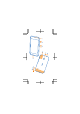
Remove the back cover
Make sure the phone is switched off.
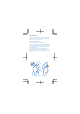
1. At the top of the phone, put your fingernails in
the seam between the screen frame and the back
cover. Do not use any sharp tools, as they may
damage the phone.
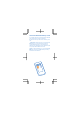
2. Place your thumb in the middle of the back
cover and bend the cover to remove it.
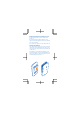
3. If the battery is in, lift it out from the upper right
corner.