
User's Guide

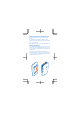

Insert the SIM and memory cards
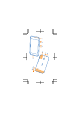
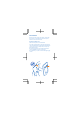
1. Carefully slide the micro-SIM card into the SIM
slot with the metal contact area down.
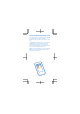
2. Slide the memory card into the memory card
slot.
Important: Your device uses a micro-SIM card,
also known as a mini-UICC SIM card. Use of
incompatible SIM cards, or use of SIM card
adapters, may damage the card or the device, and
may corrupt data stored on the card.
Tip: For best performance, it is recommended
that you use a fast 4–128GB memory card by a
well-known manufacturer.