
User Manual





[ 33 ]
6
• PHONE BOOK MENU
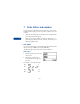
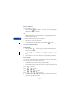
1 For access to the phone book and its menus, press to return to the
Start screen.
2 Press Names.
These options may be available, depending on your SIM card:
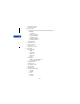
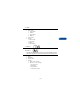
1Find
2 Add entry
3Edit name
4Erase
5 Copy
6 Add number
7Settings
1Memory in use
2 Phone book view
3Memory status
8 1-touch dialing
9 Voice tags
10 Service numbers
11 Own numbers
12 Caller groups