
User Manual



3
[ 10 ]
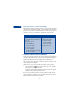
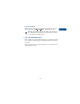
7 Install the SIM card:
beveled corner on the left,
gold contact area face down.
8 Lower SIM card door and gently slide to lock into place.
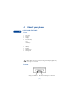
Notes about SIM cards
• Keep all miniature SIM cards out of the reach of small children.
• The SIM card and its contacts are easily damaged by scratches or
bending, so be careful when handling, inserting, or removing the card.
• You must remove the battery to access the SIM card. Always make
sure that the phone is switched off before you remove the battery.
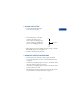
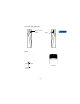
• INSTALL THE BATTERY
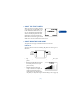
1 Place the battery in the compartment
with the label side facing up and the
golden contact area aligned with the
contact prongs.
2 Lower the battery into place.
3 Replace the back cover.