
User`s manual


36
12. WEB CLIENT
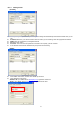
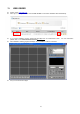
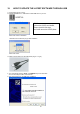
z Type the address ‘www.j2kip.com/webclient’ in the address bar on Windows.
z Then you will see the screen DVR WEB VIWER below.
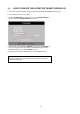
z If you cannot installation program, please add www.j2kip.com
on Trusted Sites at first! For more information
please refer to ‘9.2 WEB BROWSER SETTINGS’.
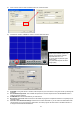
z Type your ‘IP, PORT, ID and Password’ in the box.
z Click ‘CONNECT’ button to connection.
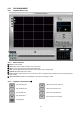
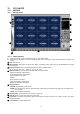
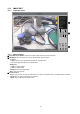
z And you can see the live images.