
User`s manual


35
11. WEB VIEWER
z Please access www.j2kip.com.
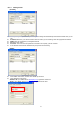
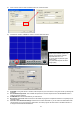
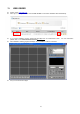
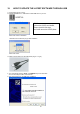
z After Log-in, click registered DVR name or WEB VIEWER icon as below. Installation starts automatically.
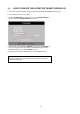
z If you cannot installation program, please add www.j2kip.com
on Trusted Sites at first! For more information
please refer to ‘9.2 WEB BROWSER SETTINGS’.
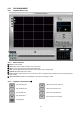
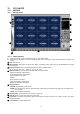
z After installation, following program will display. Click ‘CONNECT’ button to connection.
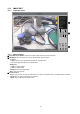
z And you can see the live images.