
User manual



20
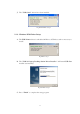
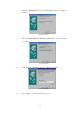
Fig. Enum98-D3
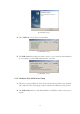
iv. Press “Next” to start the installation process. (Windows might ask you
to insert the “Windows 98” CD during the installation process).
Fig. Enum98-D4
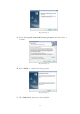
v. Press “Finish” to complete the installation of Ethernet Port. (Restart
Windows might necessary)
Fig. Enum98-D5
E. USB HID Device Enumeration
i. The following steps might repeat multiple times due to different HID
devices, mouse and keyboard.
ii. Please insert the “Windows 98” CD into your CD-ROM drive and