
User manual



16
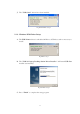
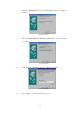
i. Insert the “Windows 98” CD into CD-ROM drive and press “Next” to
continue.
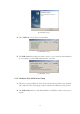
Fig. Enum98-B1
ii. Click “Search for the best driver for your device” and press “Next”
to continue.
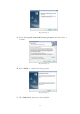
Fig. Enum98-B2
iii. Click “Specify a location” and press “Next” to continue.
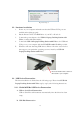
Fig. Enum98-B3
iv. Press “Next” to start the installation process.