
Quick Reference Guide
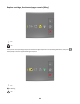
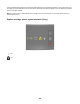
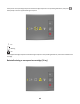
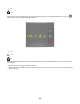
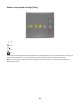
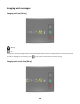
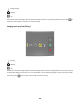
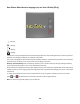

Replace unsupported cartridge [32.xy]
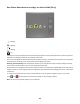
‑ On
‑ On
‑ On
‑ On
If the printer control panel light sequence matches the preceding light sequence, then remove the toner cartridge, and
then install a supported one. For more information, see the instruction sheet that came with the supply.
Note: If you do not have a replacement toner cartridge, then visit our Web site or contact the place where you
purchased the printer.
47