Printer User's Guide
Manuals
Brands
Lexmark Manuals
Printer
E352DN
41
42
43
44
45
46
47
48
49
50
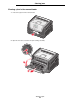
Clearing a jam
46
Clearing ja
ms
5
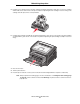
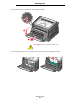
Open the front door
, and remov
e the print car
tr
idge assembly
.
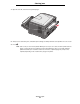
6
Lift the green flap at the front of the printer
, and then remov
e the jammed pages beneath it.
1
2
3
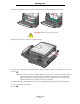
CAUTION:
The fuser or fuser area may be hot.
1
...
...
44
45
46
47
48
...
...
72