
User guide


Table Of Contents
Installation
9
Connection of the Power Cord − Turning on the System Power
A
•
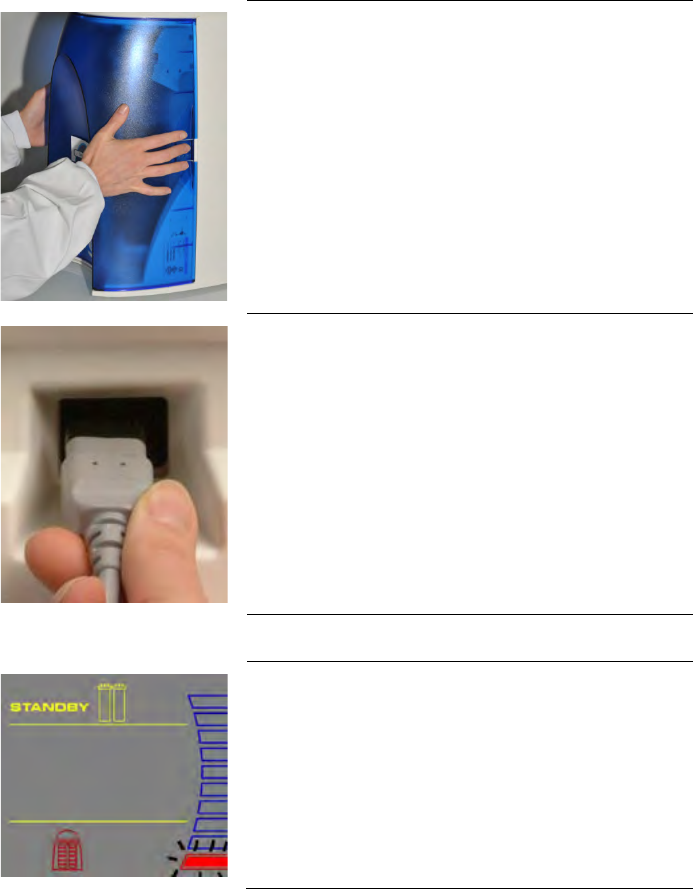
Open the front cover of the system (this may require to remove the
final filter)
.
•
This will allow the system to go into STANDBY mode once the
system is powered.
B
•
Plug the Power Cord into the system.
•
Plug the other end of the Power Cord into an appropriate source of
electrical power (i.e. wall outlet).
•
Open the Feedwater Supply Valve.
Start
-up Displays
C
•
Once the system is powered, the system will start to display
information before
going into STANDBY mode.