Printer/Fax/Scanner/Copier Operation Guide 1650, 2050, 2550
Manuals
Brands
Kyocera Manuals
All in One Printer
Mita KM 1650
81
82
83
84
85
86
87
88
89
90
Printer Settings
2-50
4
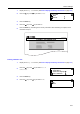
Press the
S
key or the
T
key to select
On
or
Off
.
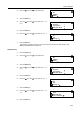
5
Press the
Enter
key
.
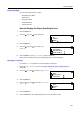
6
Press the
Reset
key
. The message display retu
rns to the printer basi
c screen.
Bac
k
On
Override A
4
/LT
Of
f
1
...
...
88
89
90
91
92
...
...
176