
Operation Manual



Job Accounting
8-16
Activating and Deactivating Job Accounting
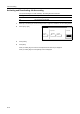
Turn job accounting on or off as necessary. The setting items are as follows.
1
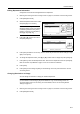
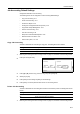
Referring to Accessing the Job Accounting Screen on page 8-3, access the Job Accounting screen.
2
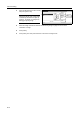
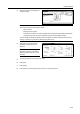
Select [On] or [Off].
3
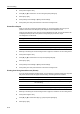
Press [Close].
4
Press [End].
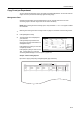
When you select [On], the screen for the department ID-code entry is displayed.
When you select [Off], the screen [Basic] screen is displayed.
Setting Description
Off Job accounting is deactivated.
On Job accounting is activated.
Close
g
Each Mgt.
Register/Sett. Job Accountg
Management Job Accntg
On
Off
Def. Set.Total Edit