
Operation Manual



Job Accounting
8-12
3
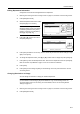
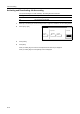
Select the department ID code to modify
and press [Limit in use].
NOTE: You can change the
department display order. Press [Order
of indication] and select from [Sort by
Code] ([1J9] and [9J1]) and [Sort by
Name] ([AJZ] and [ZJA]).
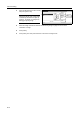
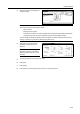
4
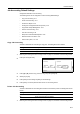
Select the usage restriction as desired. See Restricting Usage on page 8-5 for how to set
restrictions on usage.
5
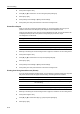
Press [Close].
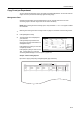
6
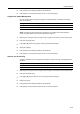
Press [Close]. The touch panel will return to the Job Accounting screen.
d
it
Close
Order of
Job
Mgt. I nf.
Delete
Up
Down
Correction
Registe r
Limit
1st sales division
2nd sales division
ETC
-
1
1
2
2
indication
in use