
Operation Manual




System Menu
7-46
Checking Total Copy Count
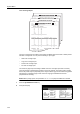
Check the total copy count from the operation panel. You can check the following values.
• Number of copies for each color mode, number of prints, number of faxes, and total of all of
these
• Number of original pages scanned for copy mode, scanner mode, and fax send mode, and total
of all of these
You can also print this information as a counter report.
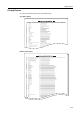
Counter Report
NOTE: Before printing reports, verify that either 11 × 8 1/2" or A4 paper is loaded into a cassette.
1
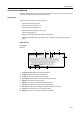
Press the System Menu/Counter key.
2
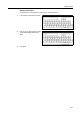
Press [Check the counter].
3
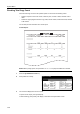
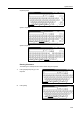
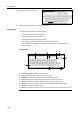
The counts are displayed on the touch panel.
To print a counter report, press [Print Report].
To finish checking, press [Close]. The display is returned to the System Menu screen.
m
Menu / Counter
End
Language
Accounting
Job
Default
Printer
Setting
MP tr ay
Management
BOX
counter
Check the
Mana gement
Document
Orig. Size
Register
Report
Print
Adjustment
User