
Operation Manual




System Menu
7-44
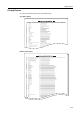
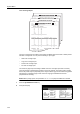
Toner Coverage Report
The toner coverage report includes for each paper size details about the number of sheets printed
and black coverage ratio. You can print the following 4 report types.
• Total toner coverage report
• Copy toner coverage report
• Printer toner coverage report
• Fax toner coverage report
The number of pages output according to details of the toner coverage report does not exactly
match the number of guaranteed print pages for the toner container. The actual number of pages
that can be printed may vary depending on the usage conditions (type of information being printed
and frequency of isolated copying versus continuous copying) and installed environment
(temperature and humidity).
NOTE: Before printing reports, verify that either 11 × 8 1/2" or A4 paper is loaded into a cassette.
1
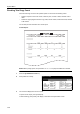
Press the System Menu/Counter key.
2
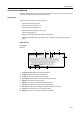
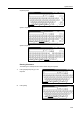
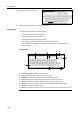
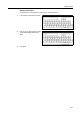
Press [Print Report].
m
Menu / Counter
End
Language
Accounting
Job
Default
Printer
Setting
MP tr ay
Management
BOX
counter
Check the
Mana gement
Document
Orig. Size
Register
Report
Print
Adjustment
User