
Operation Manual




Printer Settings
3-22
Setting Color Mode
Set whether to print status reports in color or in black and white.
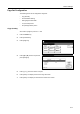
1
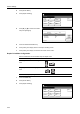
Press the Printer key.
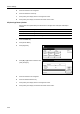
2
Press [Printer Menu].
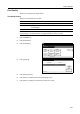
3
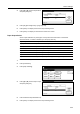
Press [Color Mode] ([Colour Mode]).
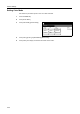
4
Press [Color] ([Colour]) or [Black&White] ([Black White]).
5
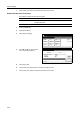
Press [Close]. The display is returned to the Printer menu screen.
Printer menu
Print Sta-
tus Page
Interface
Emulation
Page Set
Print
Paper
RAM DI SK
Mode
Select item.
Font
Color Mode
Handling
Quality
Others