
Digital Camera User Manual

8 www.kodak.com/go/support
Taking pictures/videos
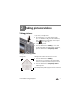
Taking a video
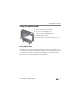
1 Press the Mode button, then until the LCD
displays
Video , then press OK.
2 Press the Shutter button completely down,
then release it. To stop recording, press and release
the Shutter button again.
To review and work with videos, see page 23.
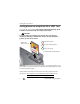
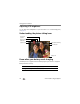
Reviewing the picture/video just taken
After you take a picture/video, the LCD briefly displays the picture or the first frame of
a video. (To take new pictures/videos sooner, press the Shutter button halfway.)
To review pictures/videos anytime, see page 23.
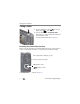
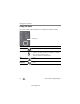
Delete the current picture/video
OK
Play/pause a video
Adjust the volume
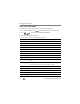
While a picture/video is displayed, you may: