Installation guide
Manuals
Brands
König Manuals
computer components
PCI WLAN
1
2
3
4
5
6
7
8
9
10
3
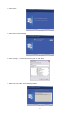
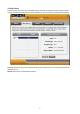
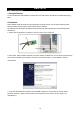
4. Click “Enter”.
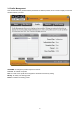
5. Click “Next” to start inst
alling.
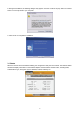
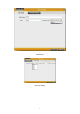
6. Click “Change…” to select the directory path, or click “Next”.
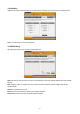
7. Select “OK” and “Next” in the following window
.
1
2
3
4
5
...
...
114