
Compact Component System Instruction Manual
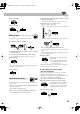
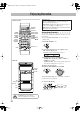
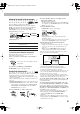

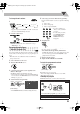

Table Of Contents
- Connections
- Display Indication
- Daily Operations—Playback
- Daily Operations—Sound & Other Adjustments
- Adjusting the Speaker Output Balance
- Reinforcing the Bass Sound
- Applying an Optimal Bass Sound Effect —VARIO BASS
- Selecting the Sound Modes
- Creating Your Own Sound Modes —User Mode
- Creating 3-Dimensional Sound Field—3D Phonic
- Presetting Automatic DVD Video Sound Increase Level
- Changingthe Picture Tone
- Changing the Display Brightness
- Setting the Clock
- Unique Video Disc/File Operations
- Advanced Playback Operations
- On-Screen Operations
- Recording Operations
- Enjoying Karaoke
- Timer Operations
- Setup Menu Operations
- Operating the TV
- Additional Information
- Parts Index
35
Timer Operations
Setting the Timer
Using Daily Timer, you can wake up with your favorite
song. On the other hand, with Recording Timer, you can
make a tape of a radio broadcast automatically.
• You cannot activate Daily Timer and Recording Timer at
the same time. (Activating either timer deactivates the
other timer.)
• To correct a misentry during the process, press CANCEL
while holding SHIFT. You can return to the previous step.
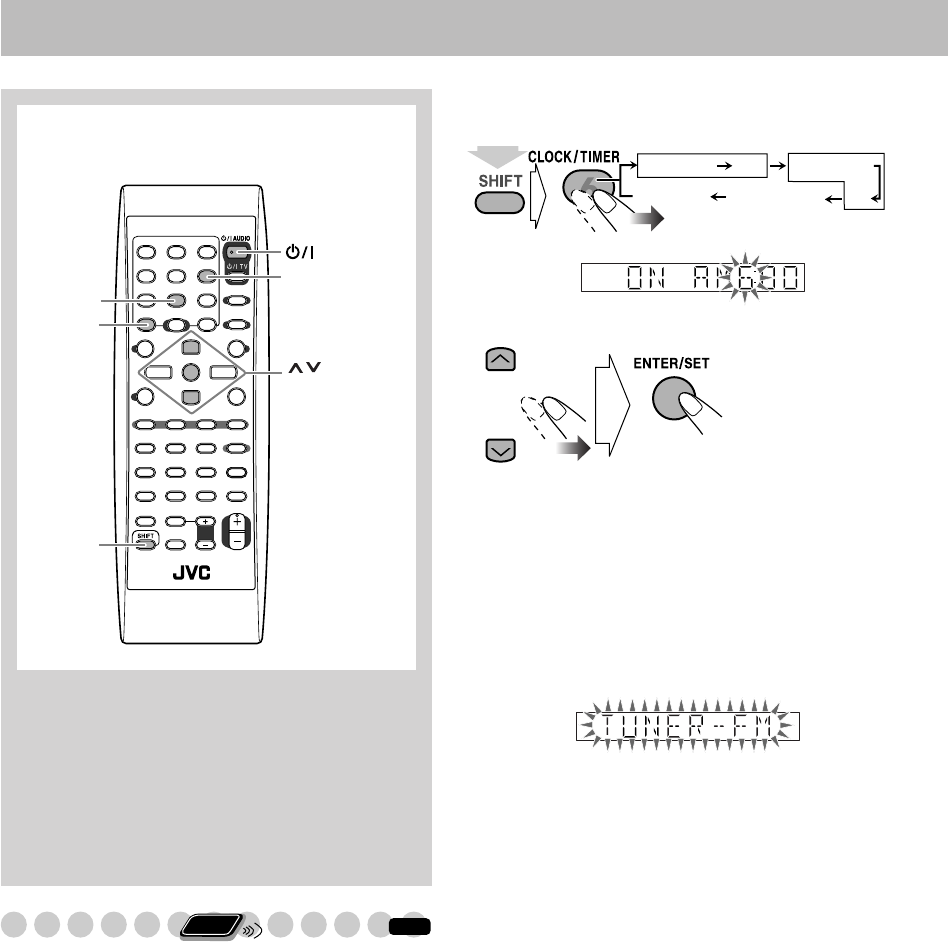
1
Select one of the timer setting modes—ON for
Recording Timer or Daily Timer.
2
Make the timer setting as you want.
Repeat the procedure for the following setting until
finished.
1
Set the hour then minute for on-time.
2
Set the hour then minute for off-time.
3
For Recording Timer: Select the playback
source—“TUNER-FM,” “TUNER-AM” or
“AUX.”
For Daily Timer: Select the playback source—
“TUNER-FM,” “TUNER-AM,” “DISC,” “USB,”
“TAPE-A,” “TAPE-B” or “AUX.”
• When you select “AUX” as the source, you also
need to set the timer of the external component.
4
Select an item you want to play or record as
follows.
“TUNER-FM” and “TUNER-AM”: Preset station.
“DISC”: Disc, group/title and track/file/chapter.
“USB”: Group and file.
5
Select the volume level.
• You can select the volume level (“VOLUME 0” –
“VOLUME 30” and “VOLUME --”). If you select
“VOLUME --,” the volume is set to the last level
when the System has been turned off.
After making the timer setting, “SET OK” appears and your
setting items appear on the display one after another.
,,
SHIFT
CANCEL
SLEEP
AUDIO
ENTER/SET
CLOCK/TIMER
Remote control
Remote
ONLY
INFO
REC TIMER
ON
ON
DAILYTIMER
(while holding...)
Canceled Clock setting
Recording Timer Daily Timer
EX.: When “TUNER-FM” is selected.
DX-J21[J].book Page 35 Tuesday, April 8, 2008 11:32 AM