
Compact Component System Instruction Manual

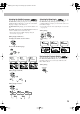
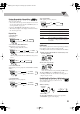

Table Of Contents
- Connections
- Display Indication
- Daily Operations—Playback
- Daily Operations—Sound & Other Adjustments
- Adjusting the Speaker Output Balance
- Reinforcing the Bass Sound
- Applying an Optimal Bass Sound Effect —VARIO BASS
- Selecting the Sound Modes
- Creating Your Own Sound Modes —User Mode
- Creating 3-Dimensional Sound Field—3D Phonic
- Presetting Automatic DVD Video Sound Increase Level
- Changingthe Picture Tone
- Changing the Display Brightness
- Setting the Clock
- Unique Video Disc/File Operations
- Advanced Playback Operations
- On-Screen Operations
- Recording Operations
- Enjoying Karaoke
- Timer Operations
- Setup Menu Operations
- Operating the TV
- Additional Information
- Parts Index
21
*Resume does not work for Program Play.
To check the programmed contents
Before or after playback...
To modify the program
Before or after playback...
To exit from Program Play
Before or after playback...
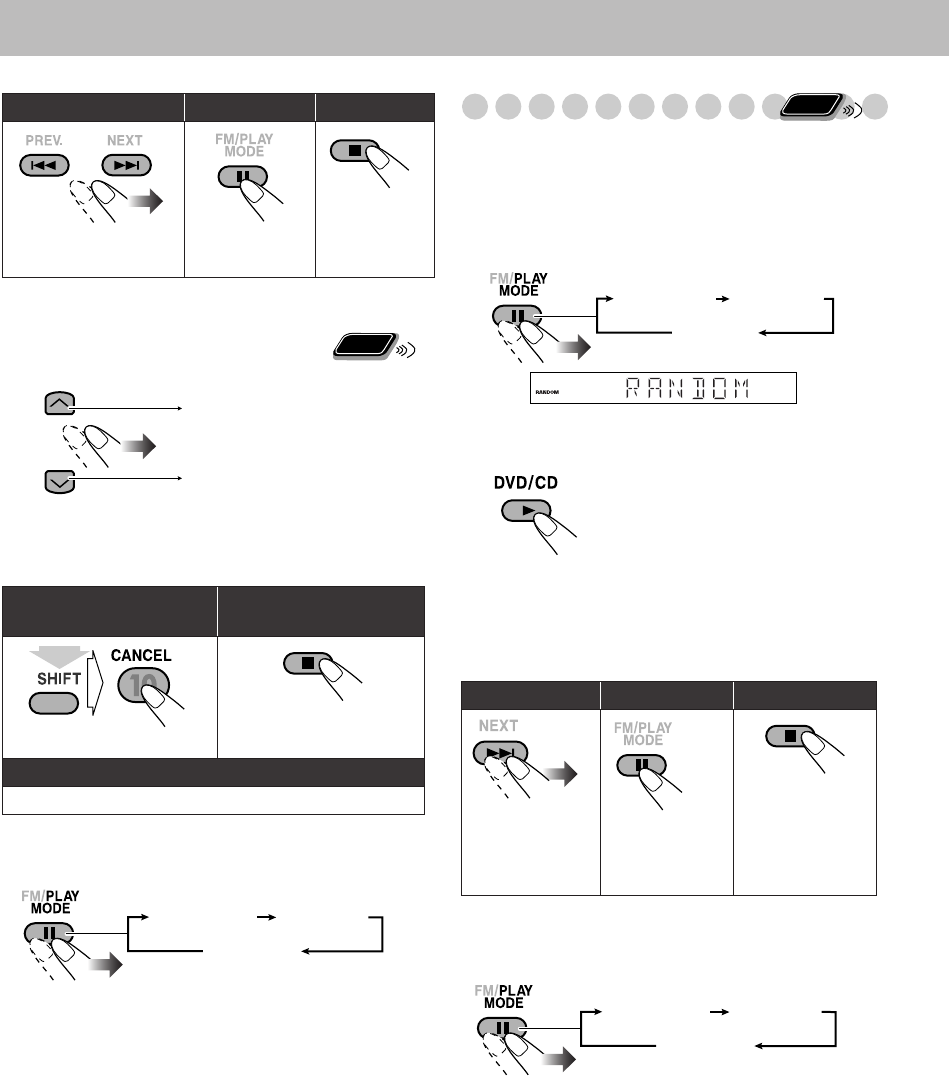
Playing at Random—Random Play
You can play the contents of all the loaded discs at random.
• Random Play cannot be used for files in a USB mass
storage class device, Video files/JPEG files on a disc,
DVD-VR and some DVDs.
1
Before starting playback, activate Random Play.
2
Start playback.
To exit from Random Play
Before or after playback...
To skip:
To pause: To stop
*
:
To release, press
DVD/CD 3
.
To erase the last step:
To erase the entire
program:
To add steps in the program:
Repeat step
2
on page 20.
Remote
ONLY
In the programmed order.
In the reverse order.
(while holding...)
PROGRAM RANDOM
Canceled
Playback of the current disc starts in a random order.
When all chapters/tracks on the current disc are played,
playback of the next disc starts. Random Play ends when
all loaded discs are played.
To skip:
To pause: To stop:
To go to the
beginning of the
current chapter/
track, press 4
.
To release, press
DVD/CD 3
.
Remote
ONLY
PROGRAM RANDOM
Canceled
On the display
PROGRAM RANDOM
Canceled
DX-J21[J].book Page 21 Tuesday, April 8, 2008 11:32 AM